Article verified for Release 15.2 on January 15, 2026.
This guide aims to present useful materials and resources to help you and your candidates have the best user experience.
The following resources are provided:
- In-app help system
- Knowledge base with useful articles and answers to frequently asked questions
- Instructional videos
1. In-app help system
After you log in, you will land on the application home page. To access the app help system, click the question mark icon.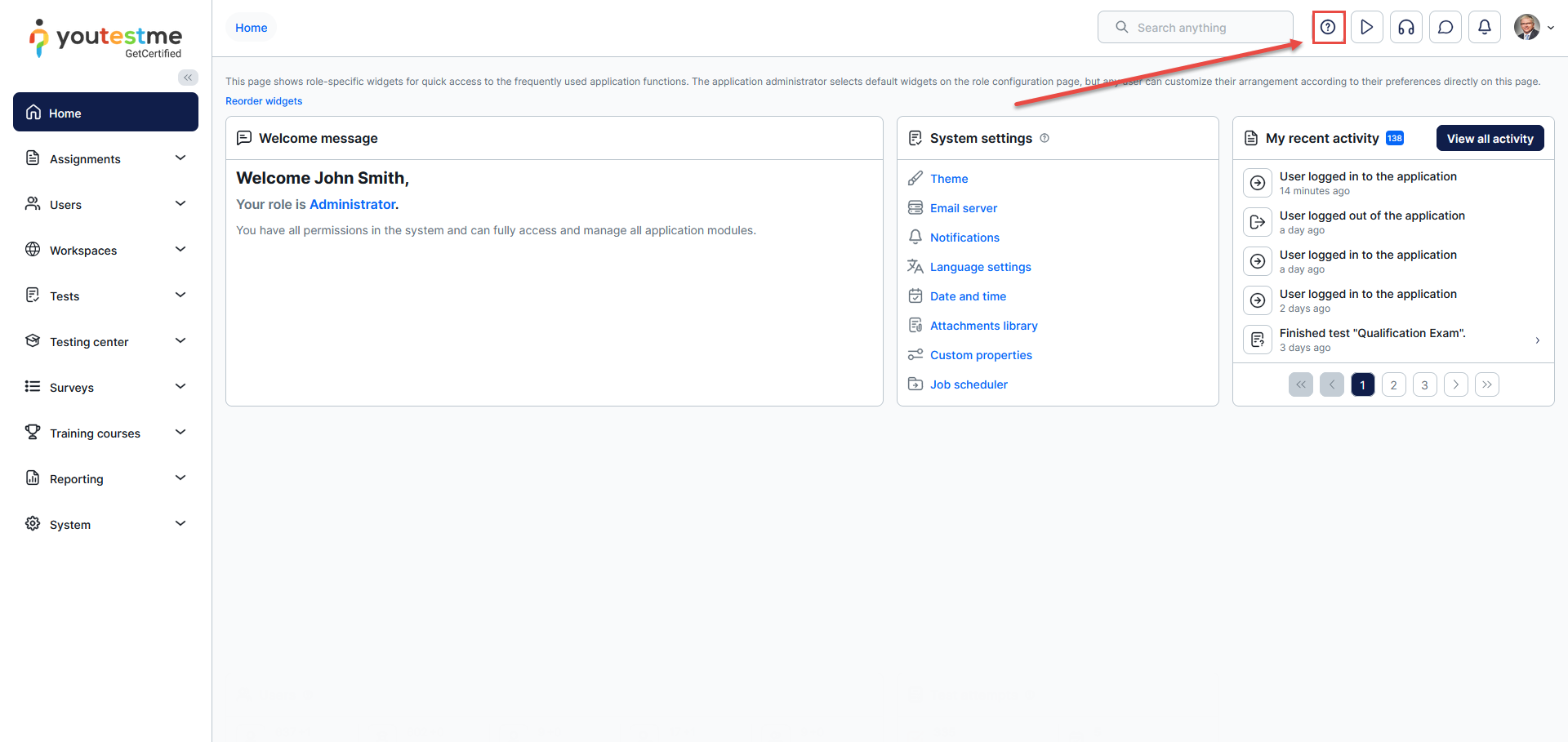
Use the headers in the table of contents to navigate to help for different parts of the application.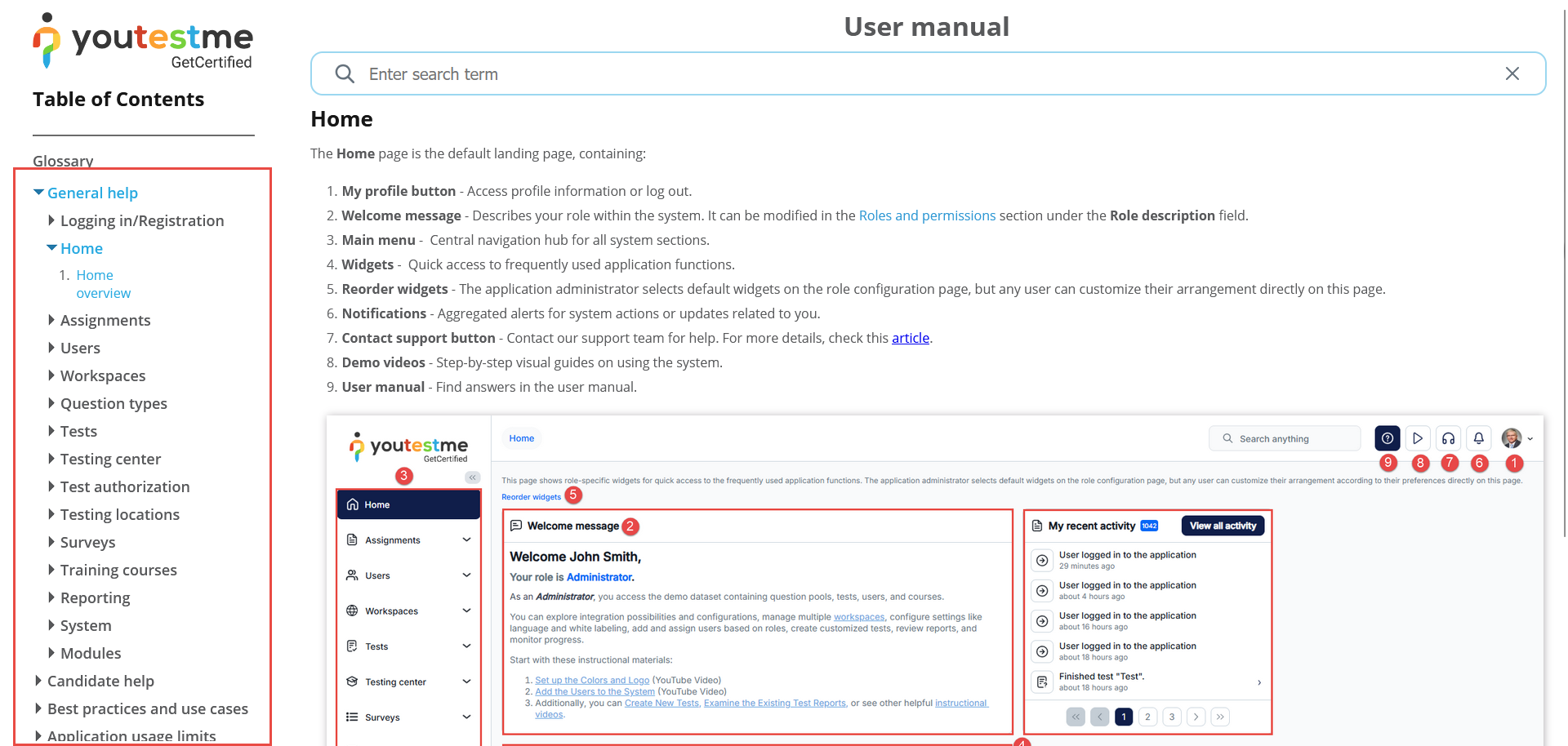
On each page of the application, there is a question mark icon. By clicking on this icon, you will be redirected to a specific feature in the help system.
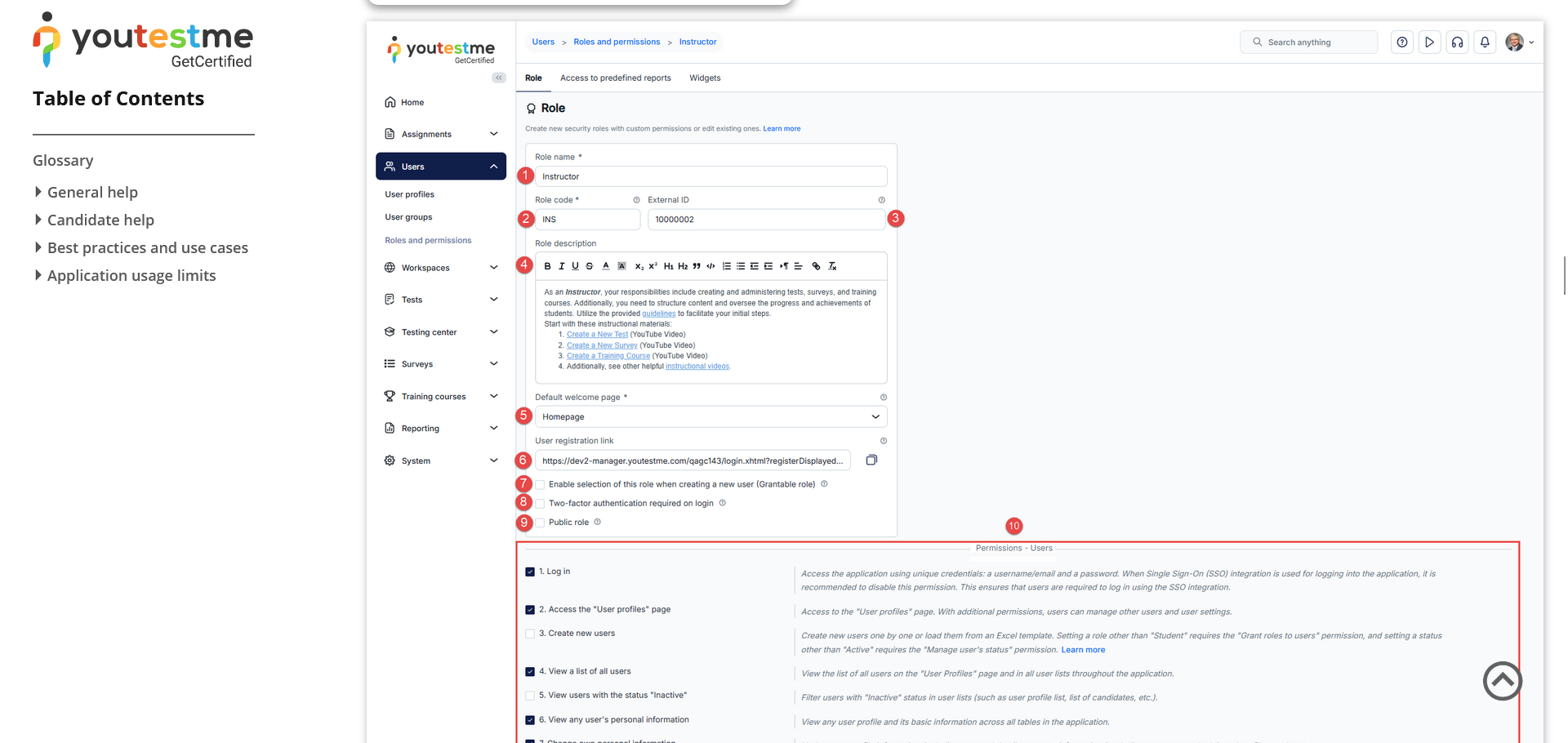
For instance, in the image below, you can see the “Roles and Permissions” page.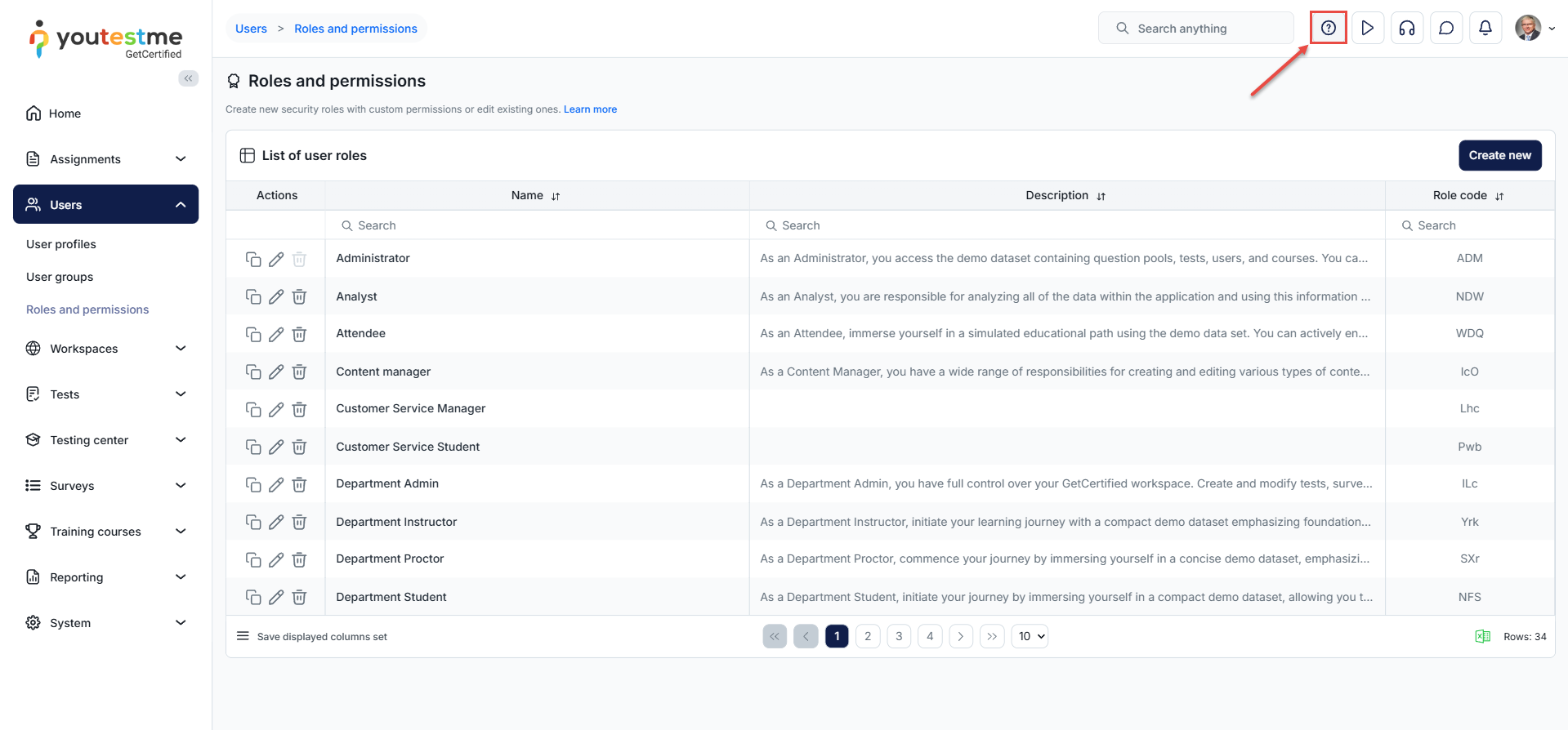
After clicking on the question mark icon, you will be directed to the “Roles and Permissions” section in our Help System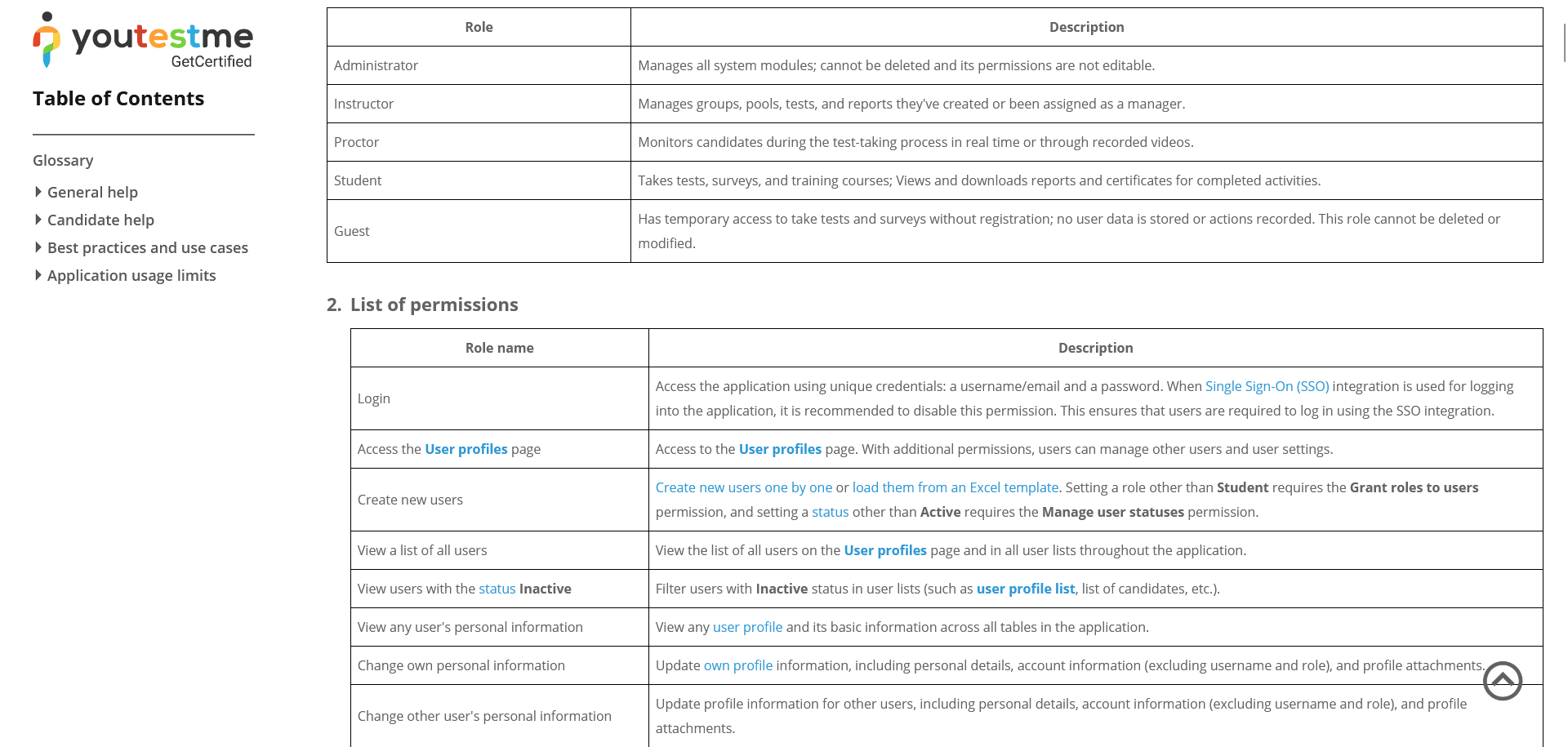
2. Knowledge base
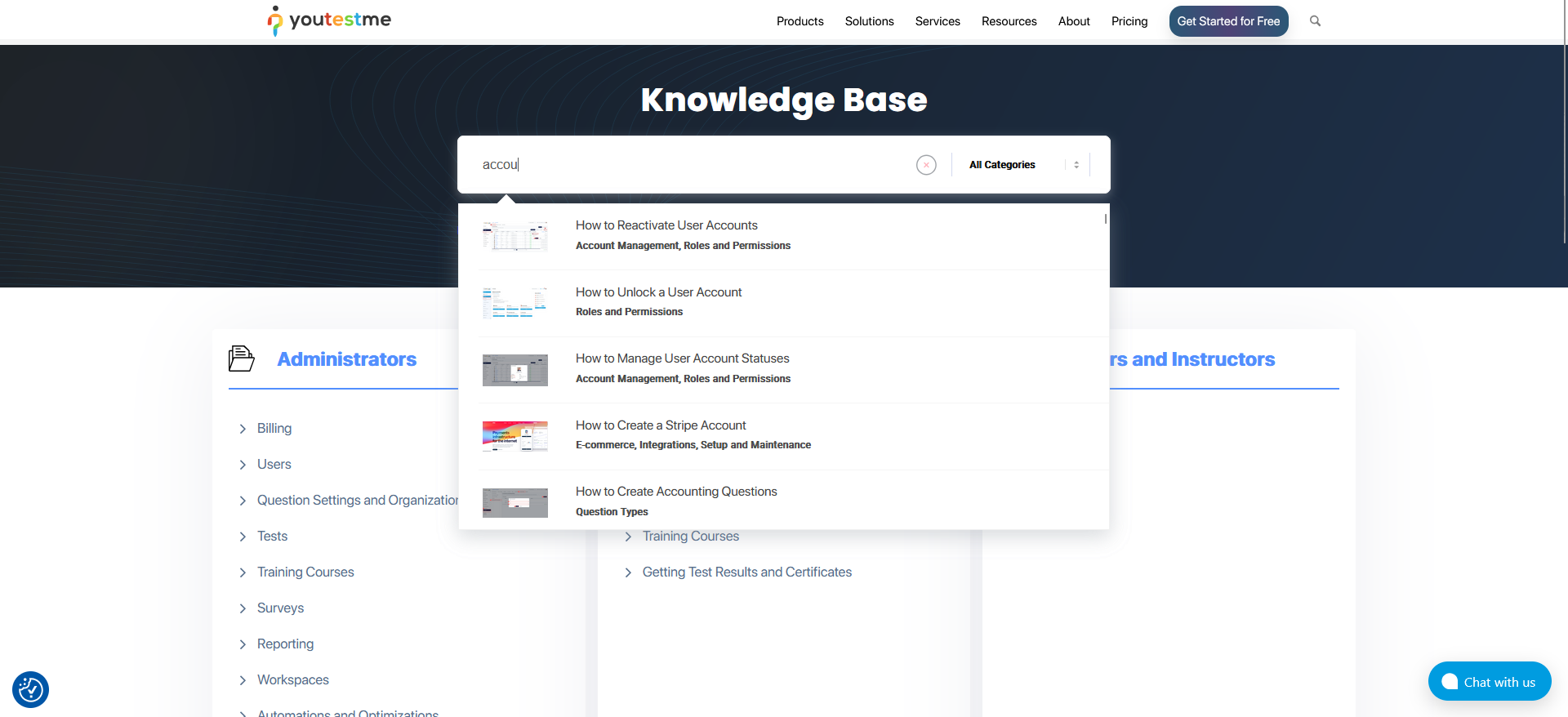
Check out our rich knowledge base, with up-to-date manuals and best practices for users and administrators, at this link.
- Type the keyword to search all related articles.
- Click on the related topic to open all articles related to it.

3. Instructional Videos
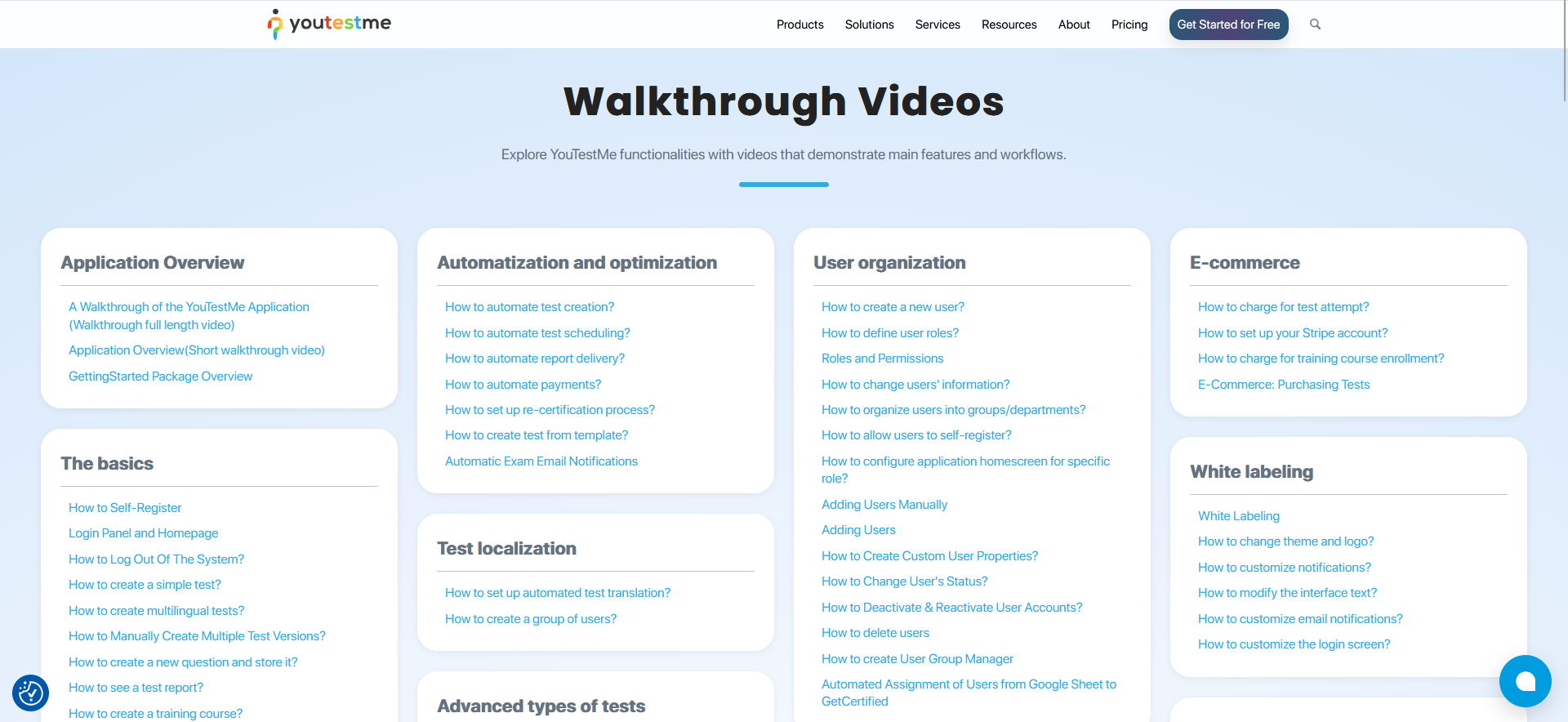
Get to know our application functionalities with videos that demonstrate application processes and explain key concepts.
Here you can access the playlists with instructional videos.