Article verified for Release 15.2 on February 08, 2026.
This article explains how to hide the Log out button using LTI integration.
Accessing the page
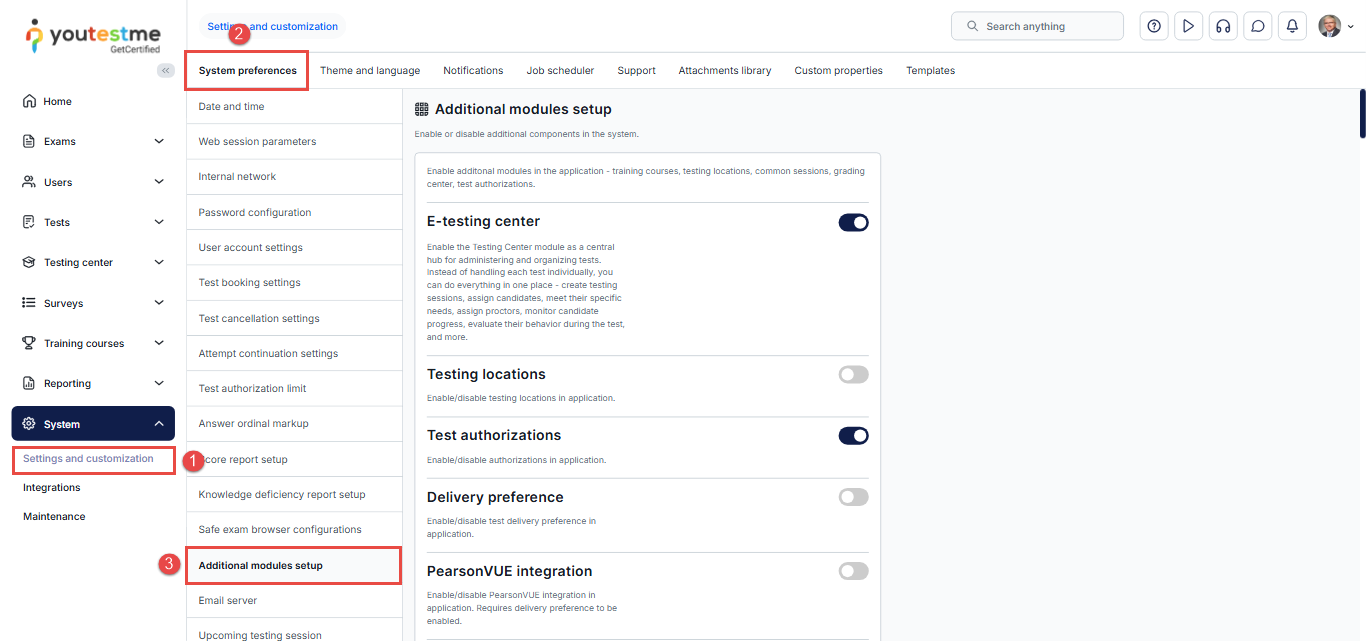
To access the page:
- Select the System/System and customizations tab.
- Select the System preferences tab.
- Select the Additional modules tab
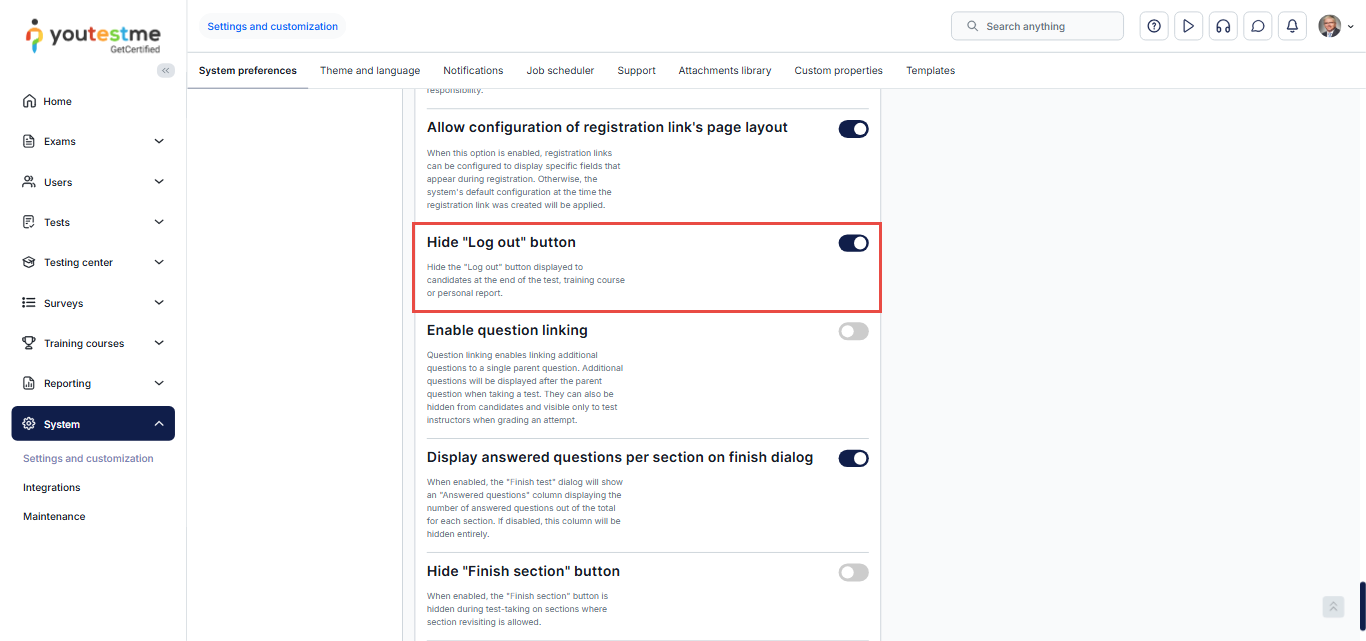
To hide the Log out button, toggle the “Hide ‘Log out’ button” module.
Candidates perspective
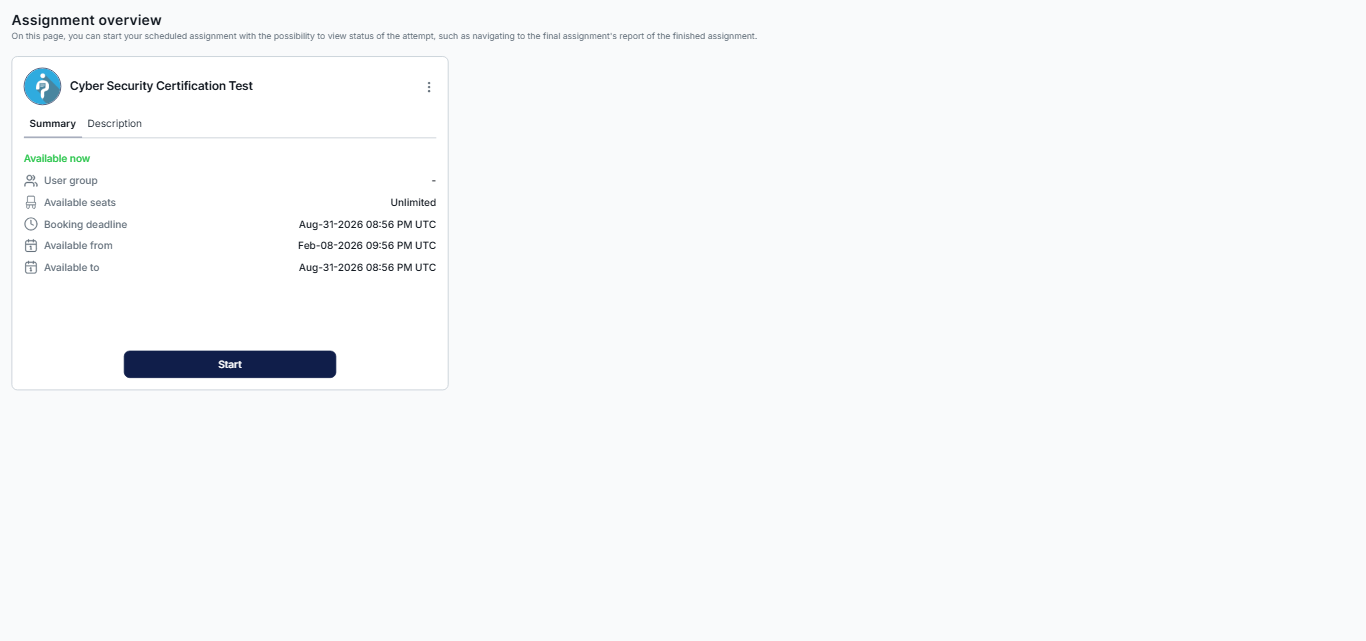
When the module is off:
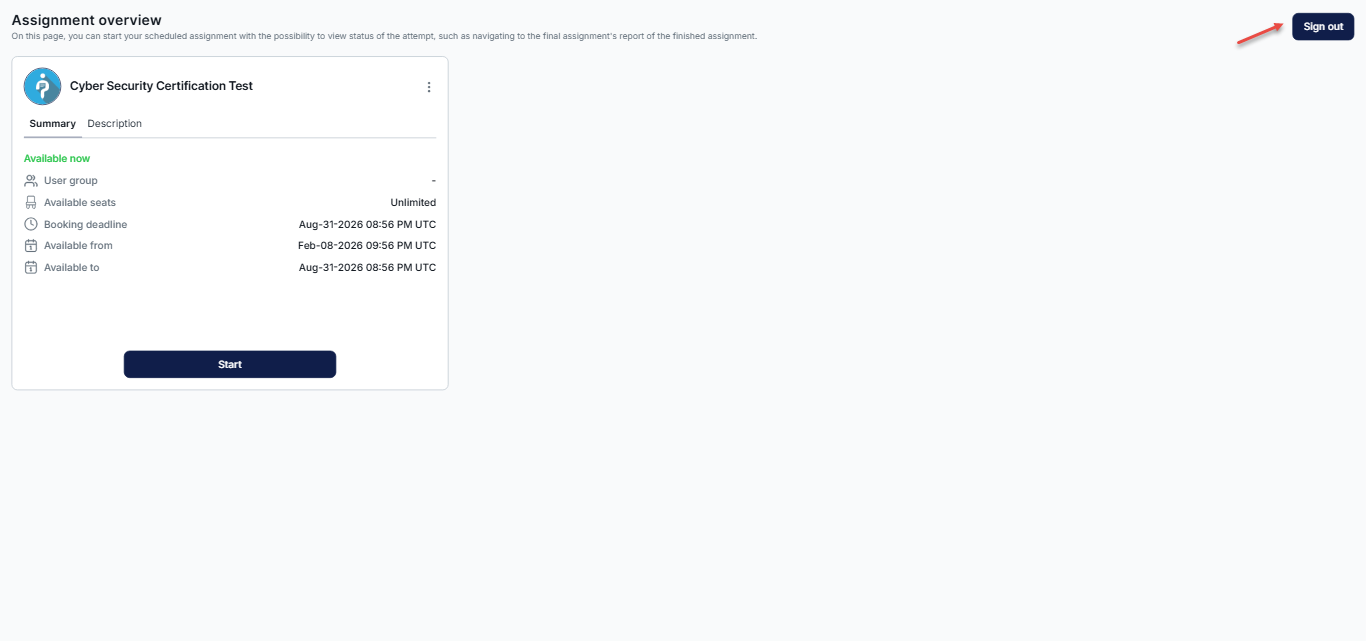
When the module is on: