
Article verified for Release 16.1 on July 7, 2026.
This article offers a comprehensive overview of the different question types, along with their specific options and functions in the test-taking process. Understanding these formats will help candidates navigate exams more effectively and respond to questions with greater accuracy.
Single-choice questions
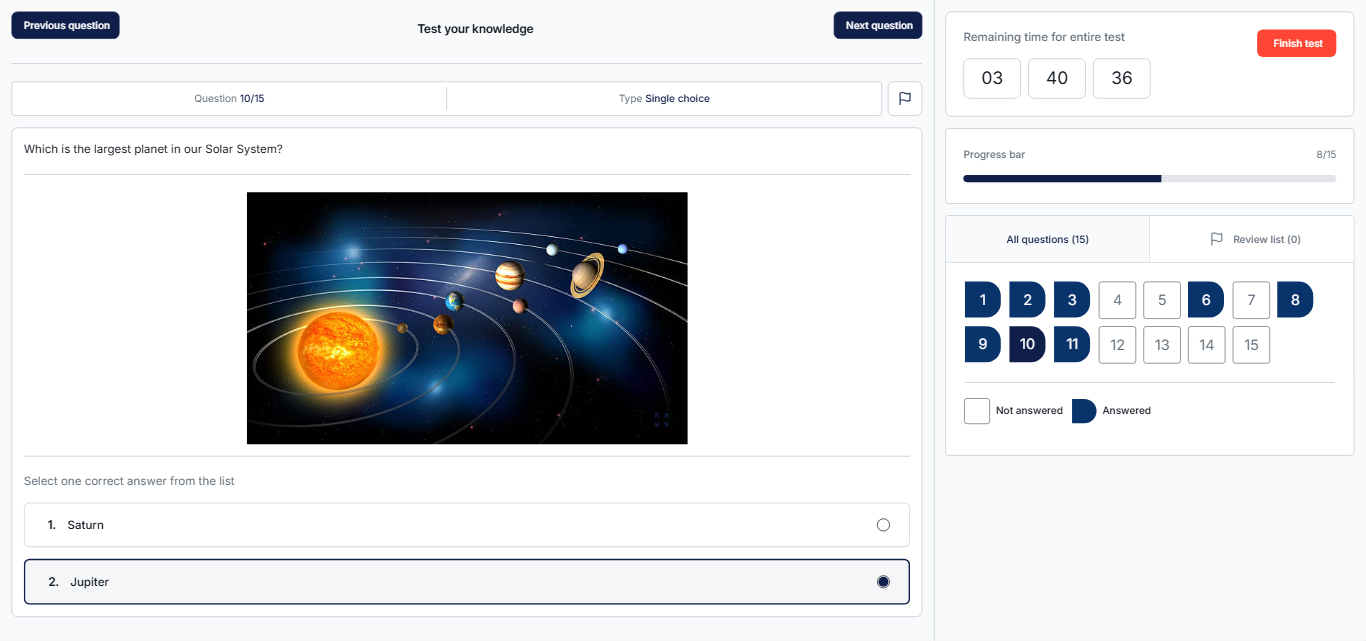
Single-choice questions provide multiple answer options, but candidates can select only one correct answer.
Multiple-choice questions
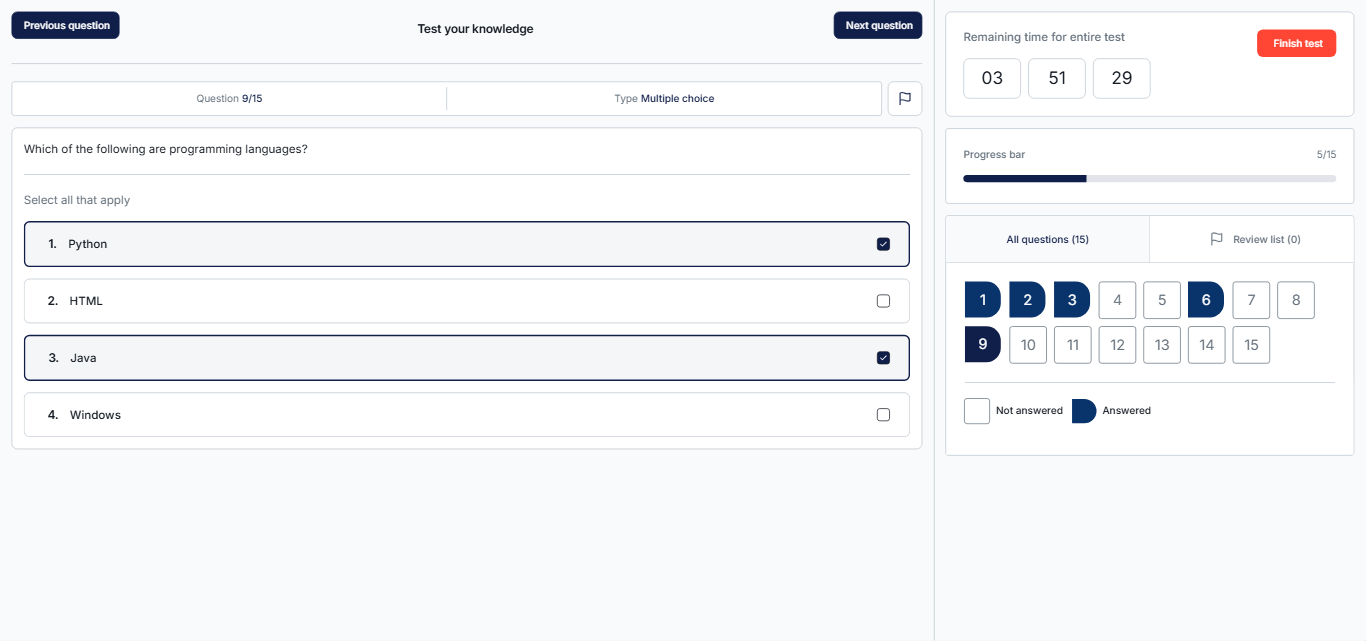
Multiple-choice questions present a set of possible answers and allow candidates to select one or more correct options.
Essay Questions
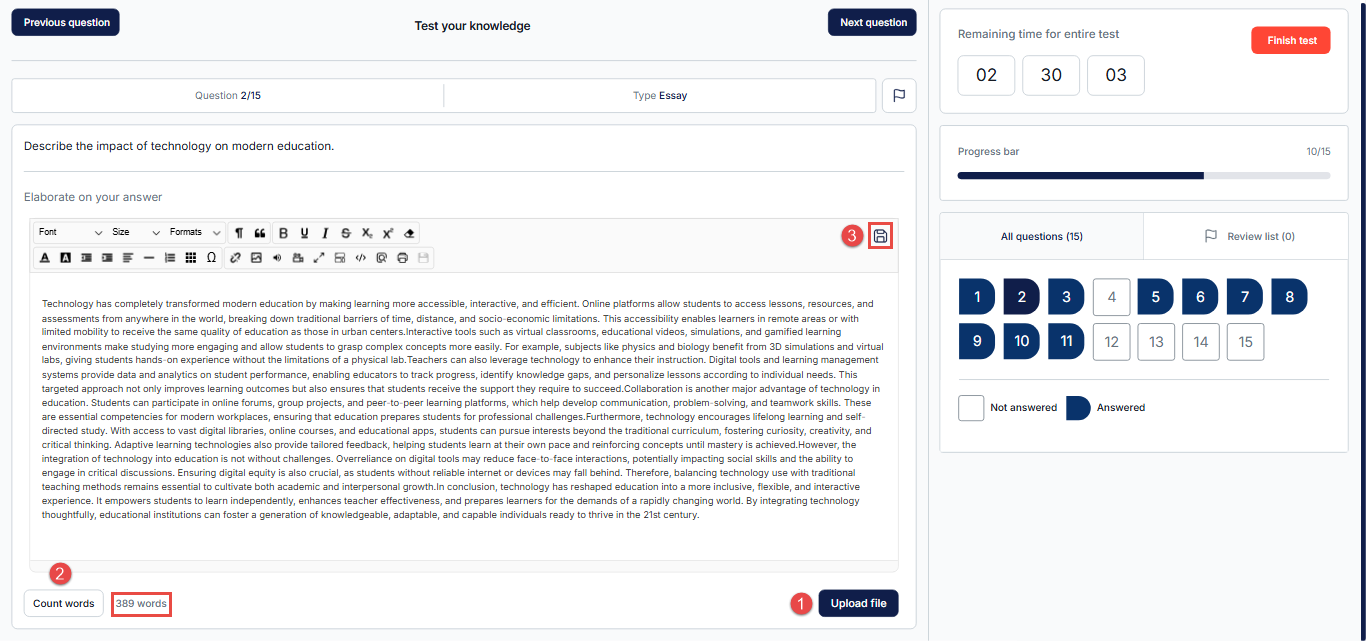
Essay questions require candidates to provide a detailed written response or upload a file. Depending on the question configuration, candidates can also answer the question by filling out a PDF document. These are the only question types that must be manually graded after the test is completed. For detailed information on how to answer an essay question, please visit this article.
- To upload a file, candidates need to click the Upload File button.
- Candidates can click Count Words to know the exact word count if it is required for the question.
- Candidates can save their progress on the question at any time by clicking the Save icon.
Ordering
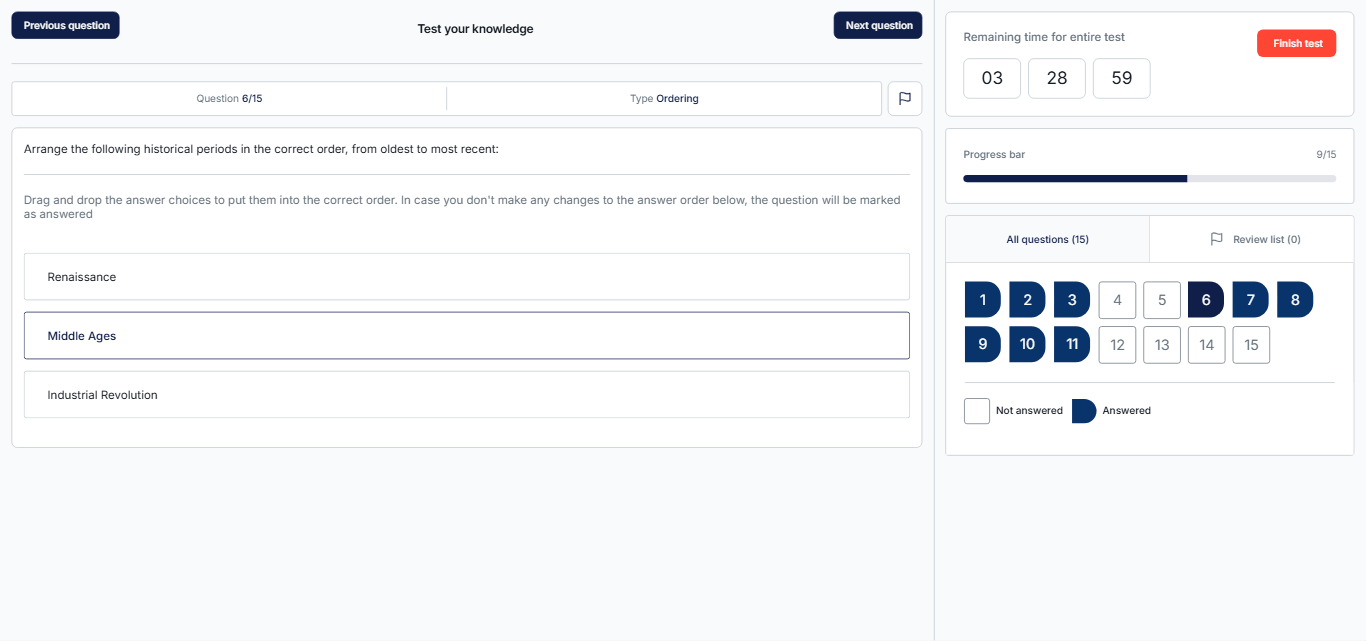
Ordering questions present a list of items in an incorrect sequence. Candidates must arrange them in the correct order by dragging and dropping. These are useful for chronological or process-based assessments.
Fill in the blanks questions
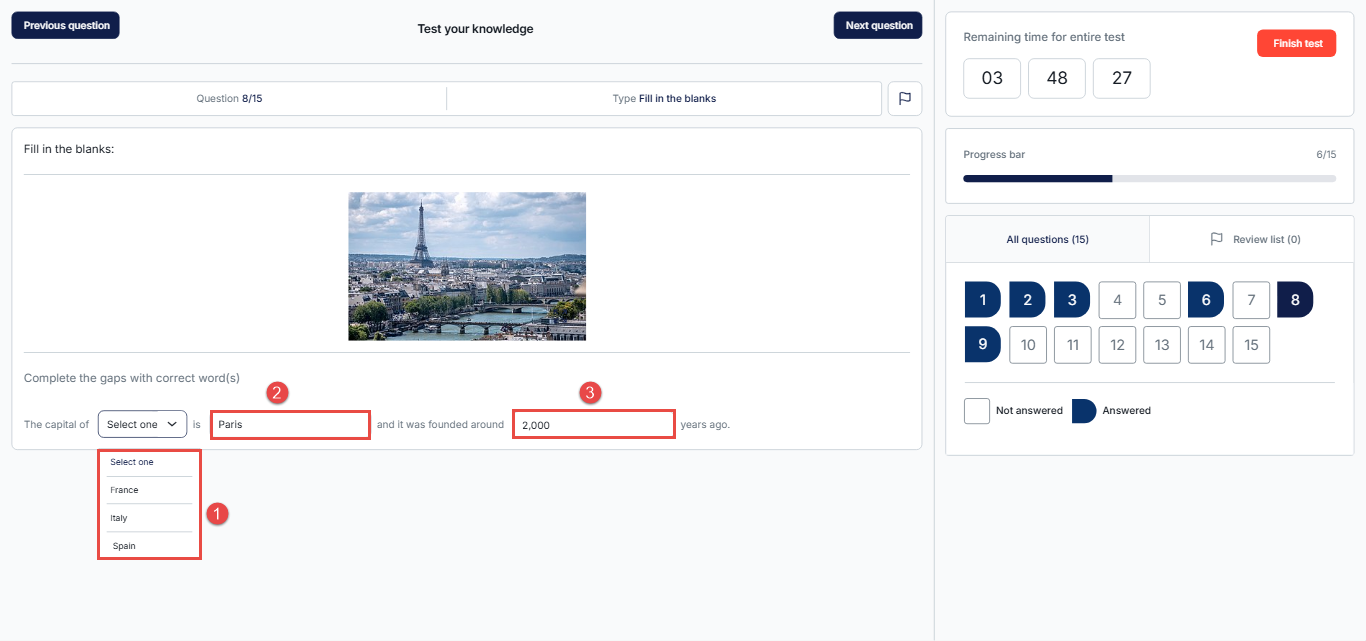
Fill-in-the-blank questions require candidates to complete a sentence or statement by adding the missing phrase or value. There are three ways to fill in the blank:
- Drop-down selection – Choose the correct phrase from a list.
- Text input – Enter a word or phrase manually.
- Numeric input – Enter a numeric value only.
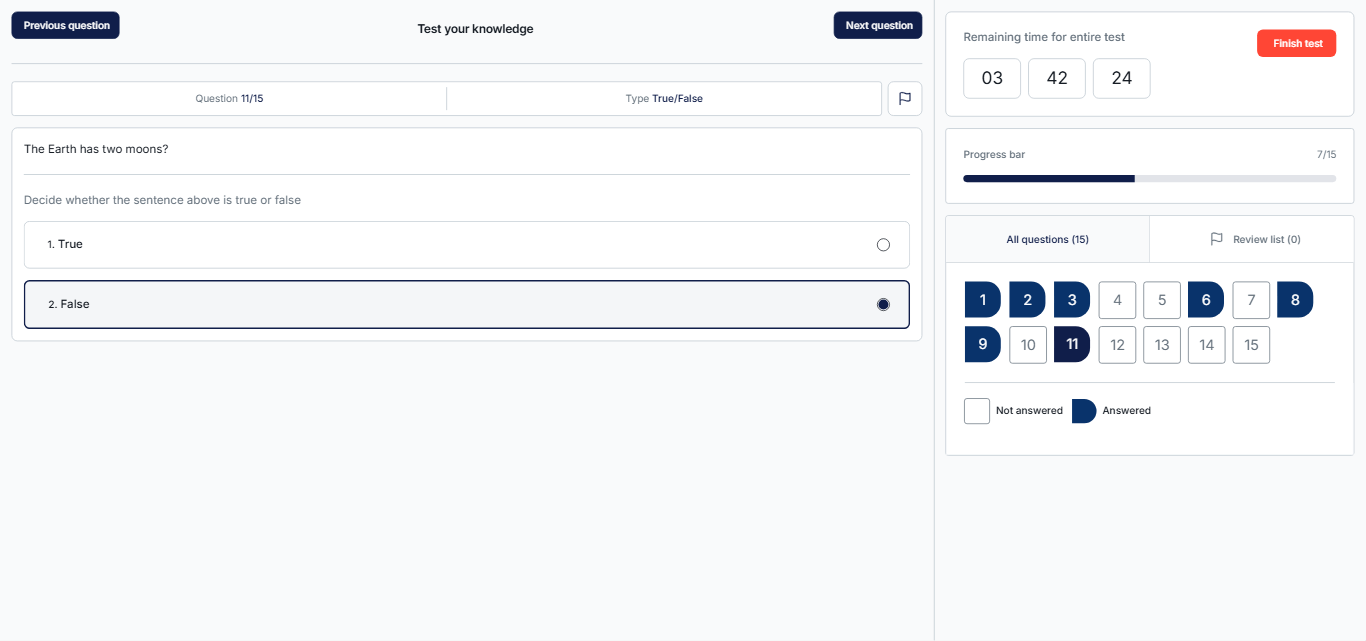
True/False Questions
True/False questions consist of a single statement, and candidates must determine whether the statement is true or false.
Matching Questions
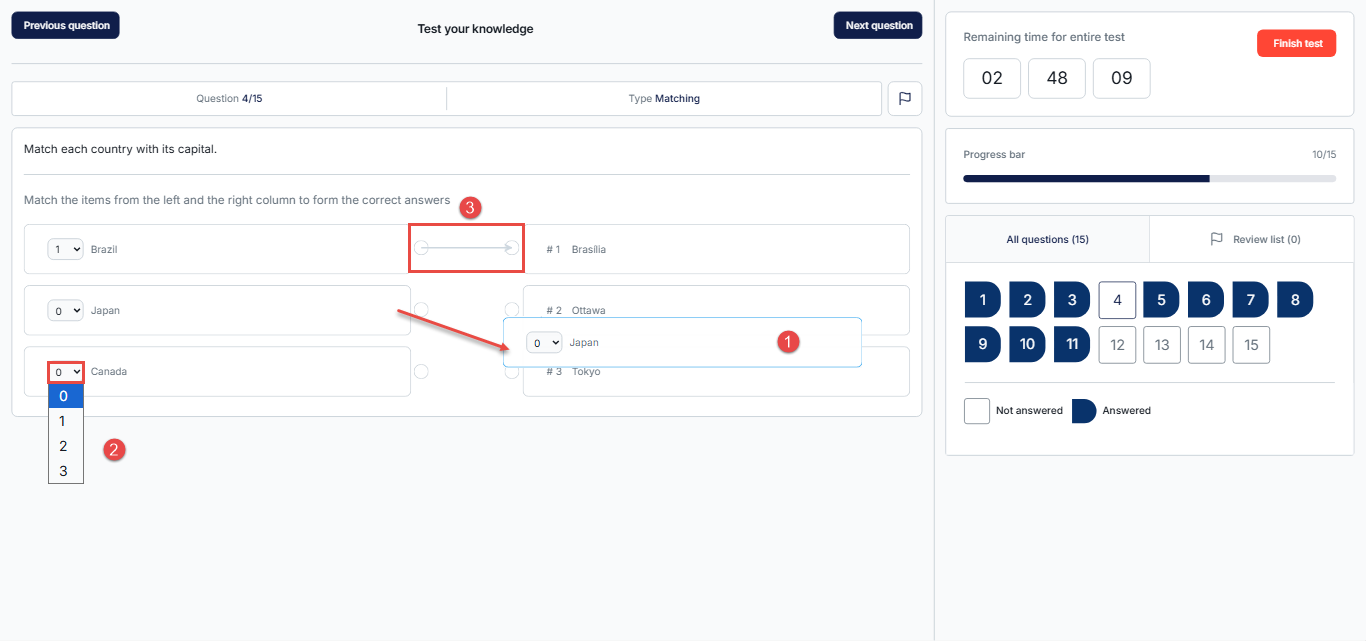
Matching questions require candidates to pair corresponding items from two lists. There are three ways to complete these questions:
- Drag and Drop – Move one item on top of the matching item.
- Drop-down Selection – Choose the correct match from a list.
- Connecting Lines – Drag an arrow from one item to its corresponding match.
Matrix questions
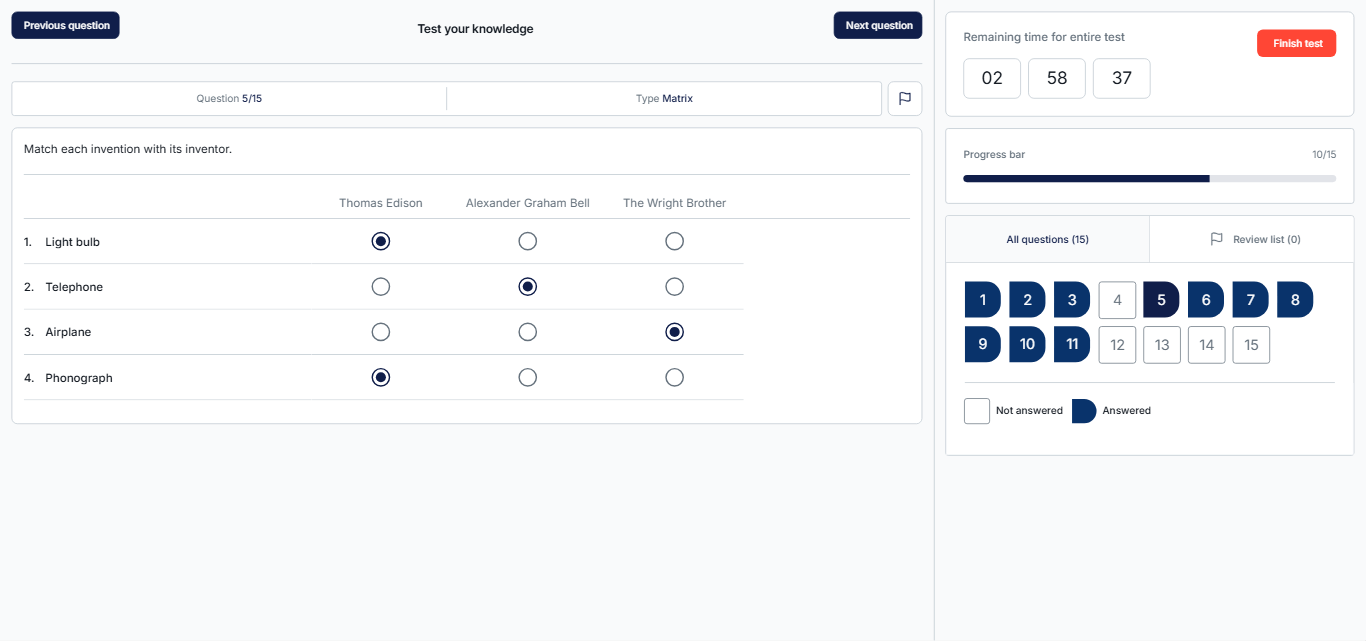
Matrix questions consist of a grid of multiple-choice questions presented in rows and columns. Each row represents a different question, while columns provide predefined answer choices.
Note: Candidates may select one answer for multiple questions.
Open-ended questions
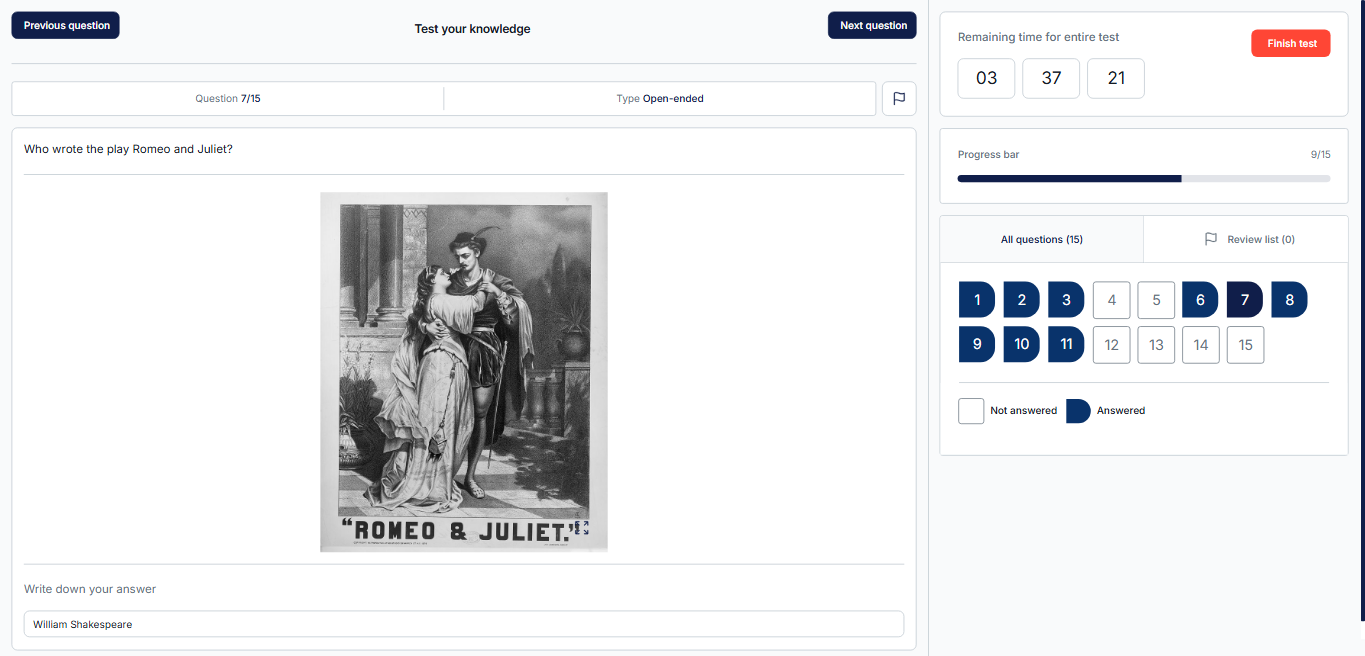
Open-ended questions do not provide predefined answer choices. These are typically shorter responses and can be considered concise versions of essay-type questions.
Hot-spot questions
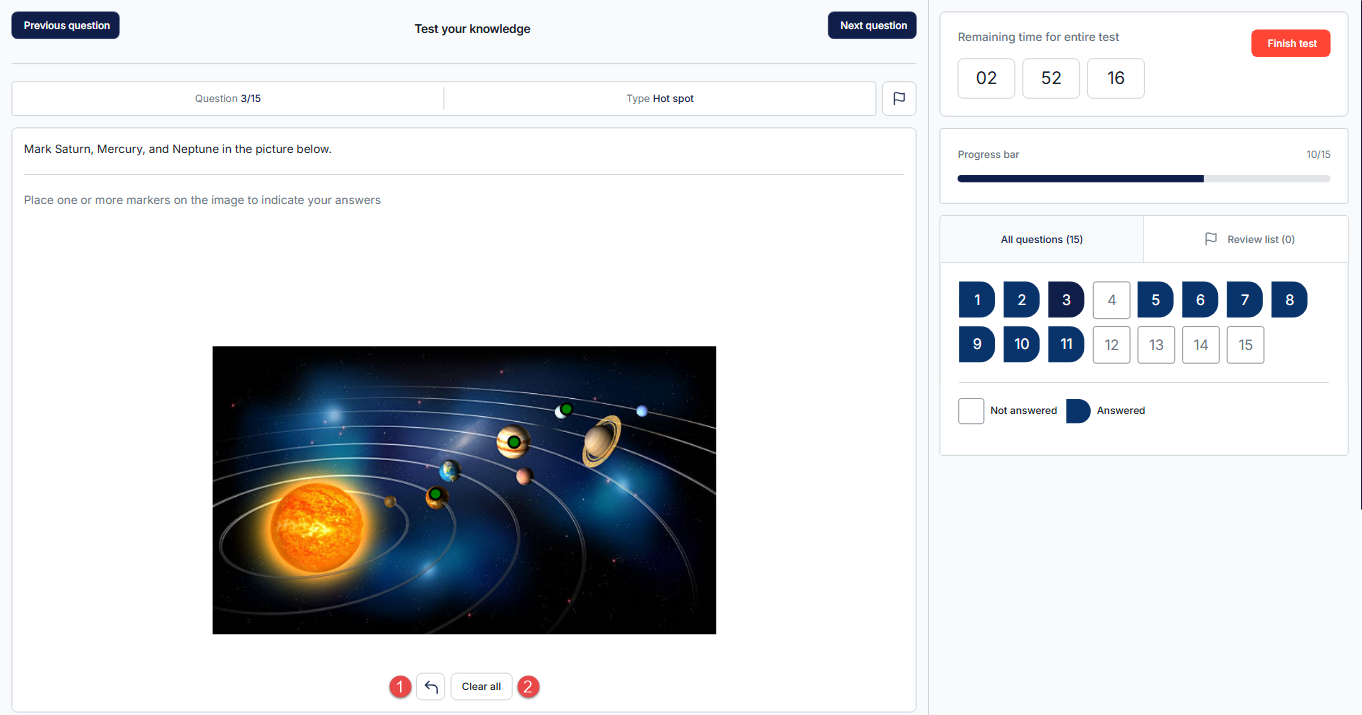
Hot-spot questions present an image where candidates must click on one or more correct areas to answer the question. If a candidate selects an incorrect area, the following options are available:
- Remove the last chosen spot – Remove only the most recently selected area.
- Clear all – Clears all selected areas, allowing the candidate to start over.
Accounting
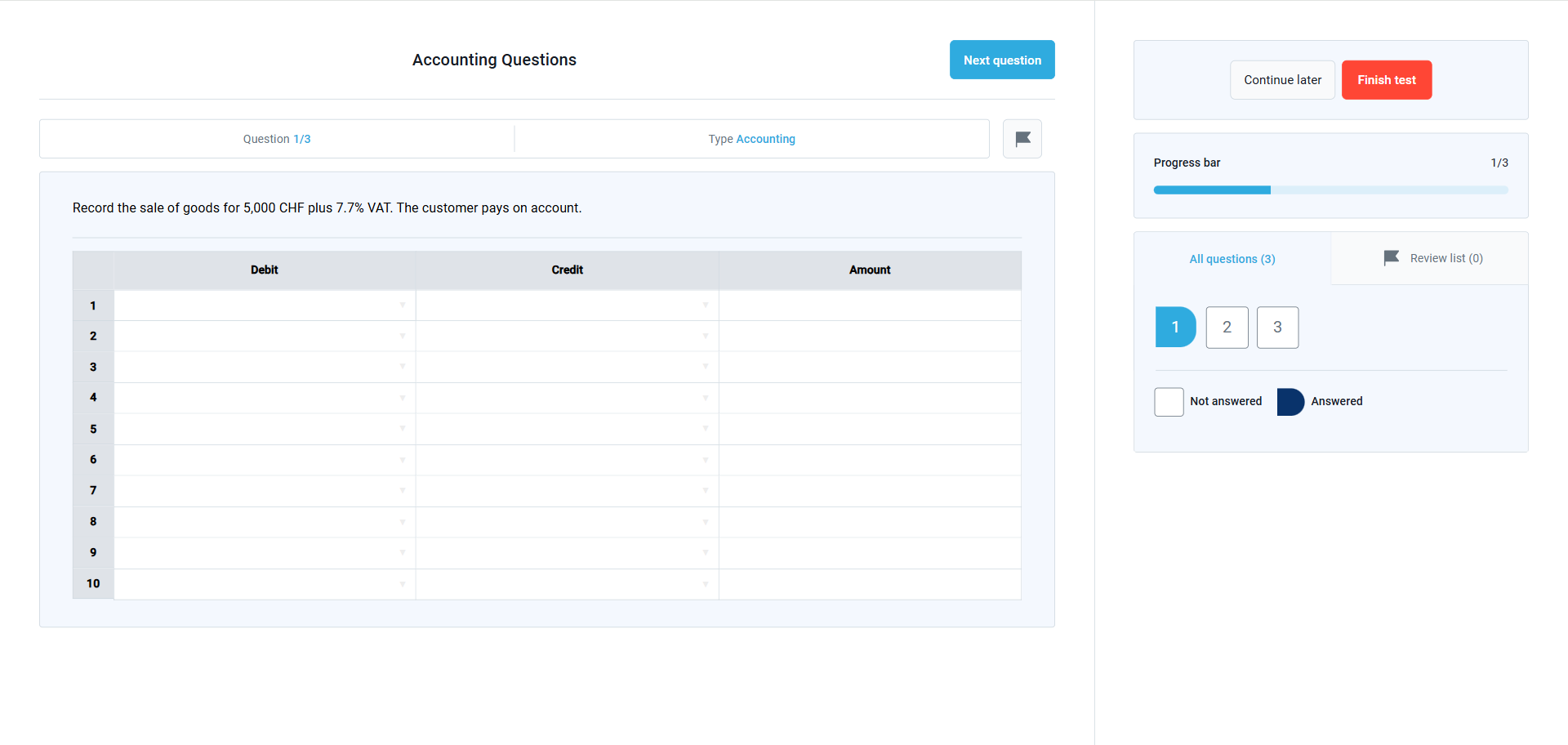
This question type requires candidates to record financial transactions by assigning debit and credit values to predefined accounts and entering corresponding amounts. Answers are evaluated based on the calculated net balances of each account rather than a single fixed input, making this format suitable for assessing accounting knowledge, transaction logic, and balance accuracy.
For more information, please check this article.
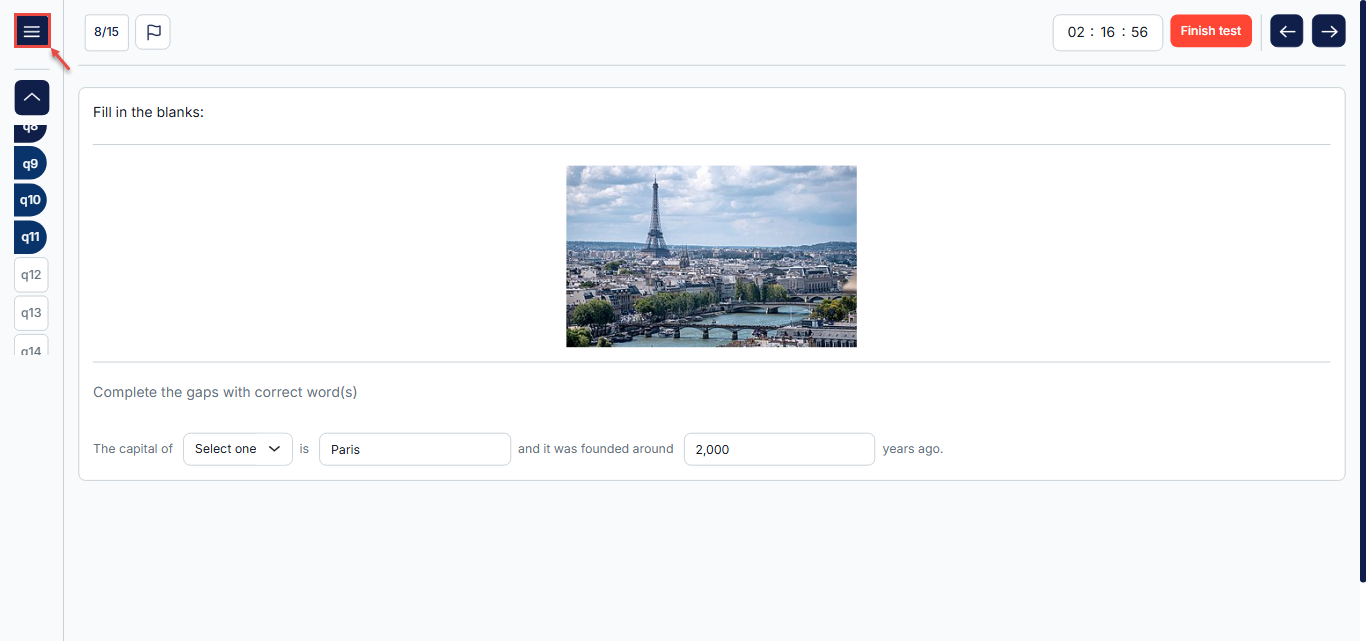
Note: If a candidate cannot see the list of questions, they can access it by clicking the hamburger menu in the top-left corner. Alternatively, they can try zooming out, as the system may adjust the layout of the exam page depending on the screen size.
For additional instructions, please refer to the following video.