Article verified for Release 15.0 on November 26, 2025.
This article explains how to import tests as JSON in YouTestMe. This feature allows quick addition of pre-made tests or seamless migration of tests from other systems, saving time and ensuring consistency across assessments. Using JSON maintains the structure of questions and answers while enabling easy transfer or sharing of tests between different platforms or environments.
Importing Test as JSON File
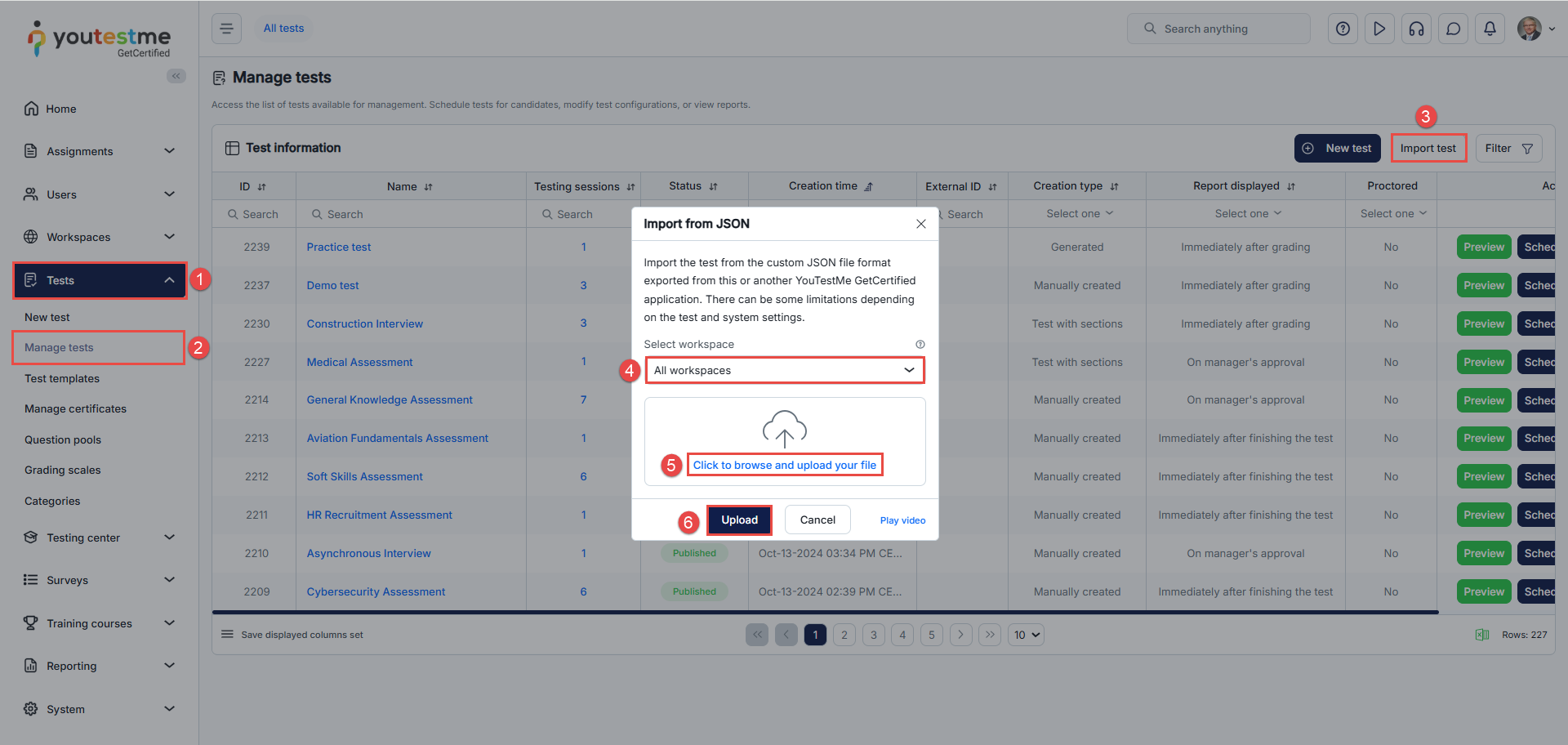
To access the option for importing the JSON file, follow these steps:
- Navigate to Tests
- Select Manage tests
- Click the Import test button
- Select workspace
- Click to browse and upload you file
- Upload
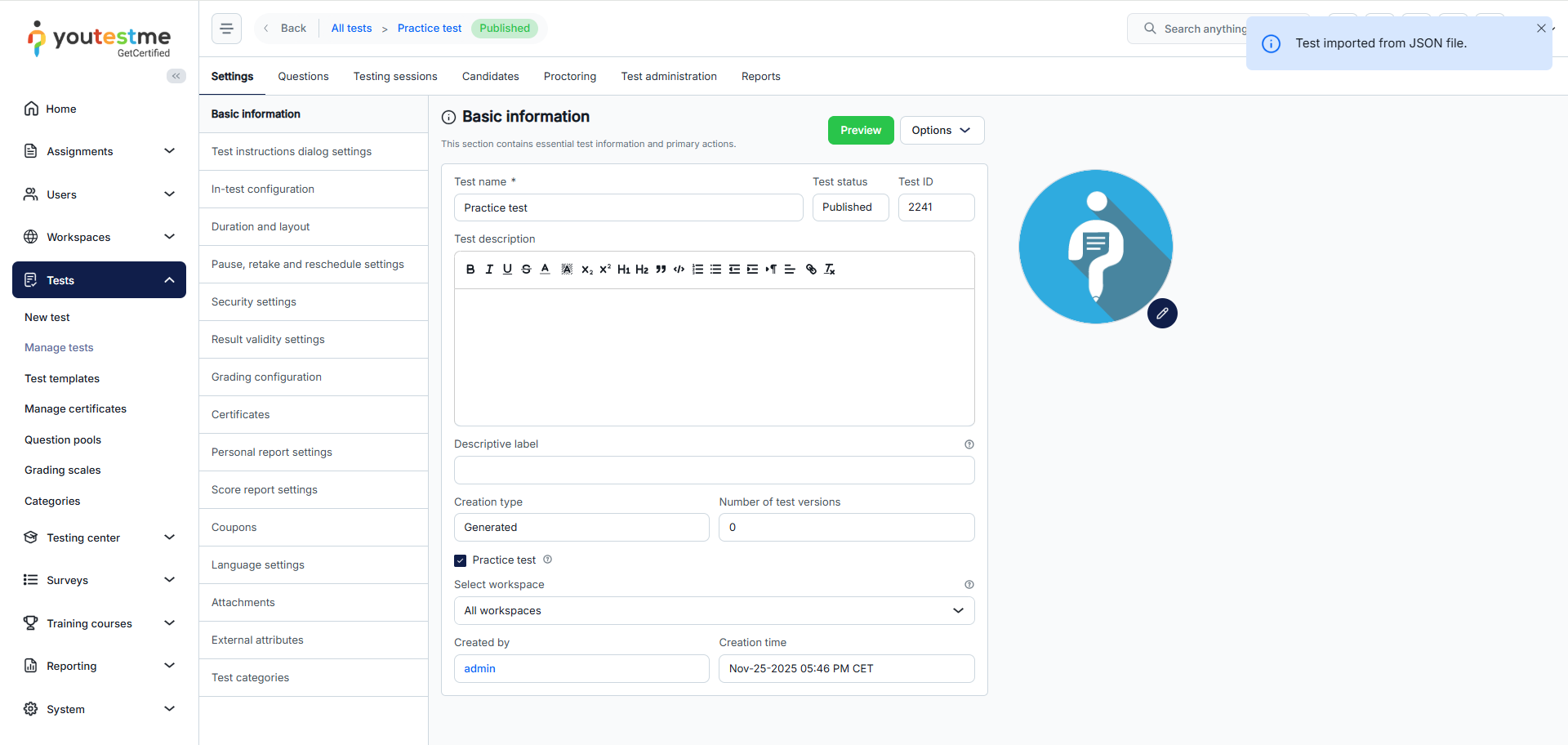
After clicking the Upload button, the system imports the test and redirects to the test management page, where the test content and configuration settings can be modified.