This guide applies to an older version of YouTestMe and may not reflect the current product experience.
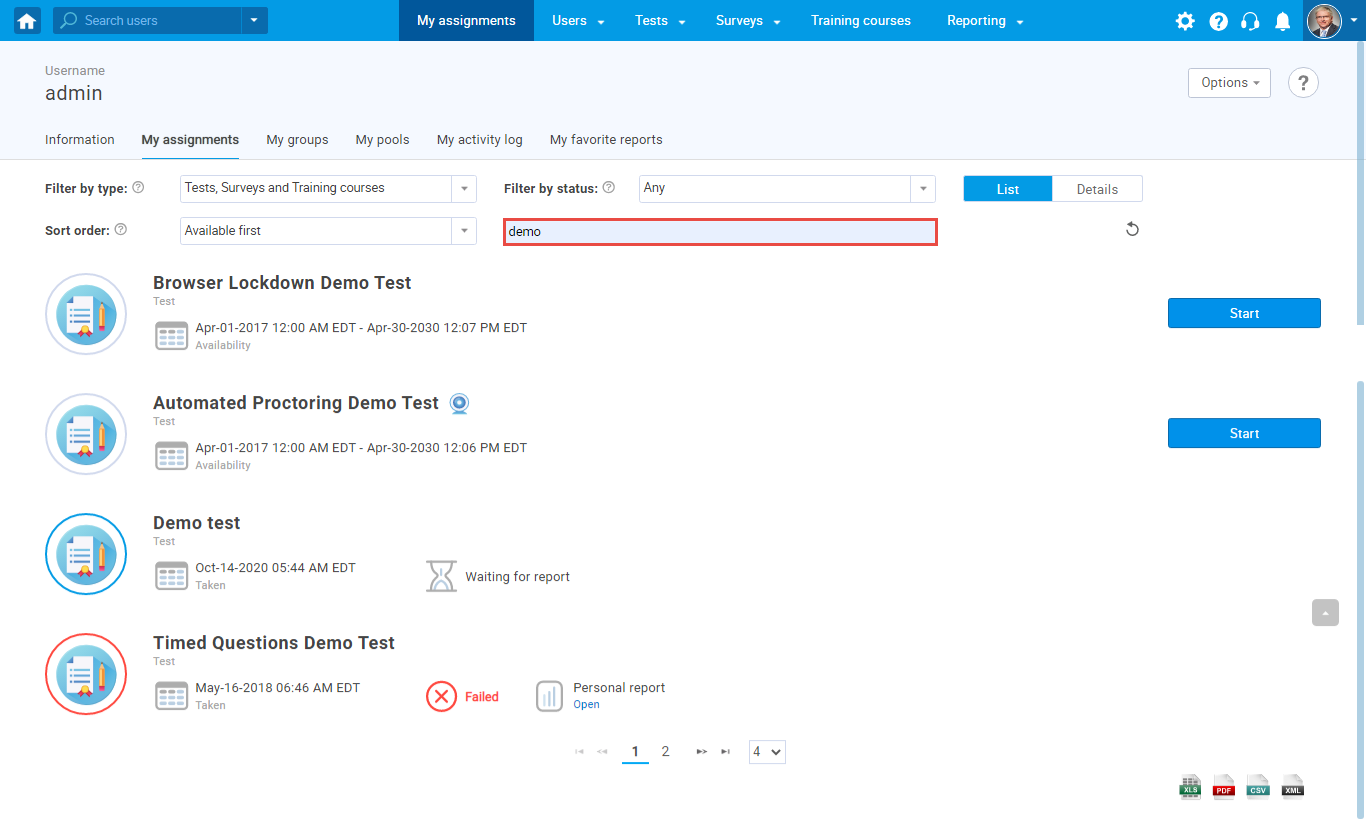
This article explains how to search for tests, surveys, and training courses on the “My assignments” page.
The first step is to navigate to the “My assignments” page.

To search for assignments, you should type the keyword in the search field, and you will preview all tests, surveys, and training courses that contain the keyword you typed into the search field.