Article verified for Release 15.1 on January 19, 2026.
This article explains how to access custom quick help videos tailored to the current page, explaining all the available options.
How To Access Quick Help Videos
To access the help video, select the Play button on the top right side of the screen.
Once you click the Play button, a step-by-step video guide will open directly in the platform, guiding you through the process without redirecting to YouTube or opening a new browser tab.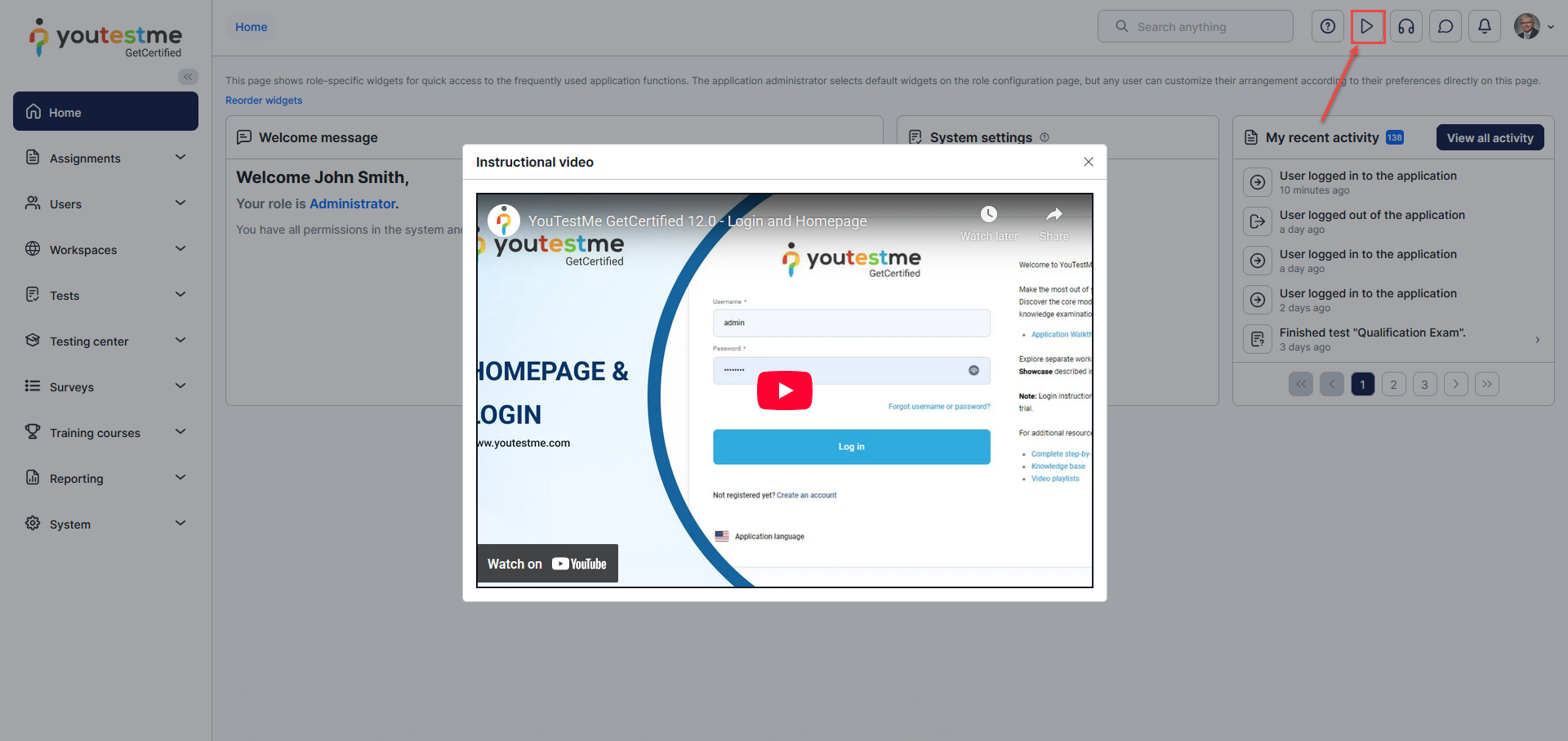
For more useful instructional materials, please visit:






