Article verified for Release 15.2 on November 27, 2025.
Administrators play a crucial role in managing, customizing, and securing the system. They have full, unrestricted access to all system features, allowing them to oversee user management, configure system-wide settings, customize branding, and maintain data security. The administrator role also enables controlled, limited access for managers, ensuring proper oversight, privacy, and a clear separation of responsibilities.
User & Access Management
Administrators have complete, unrestricted access to all user-related features within the application. They can efficiently create and manage users, Bulk Import user lists, and organize the user base into groups or departments.
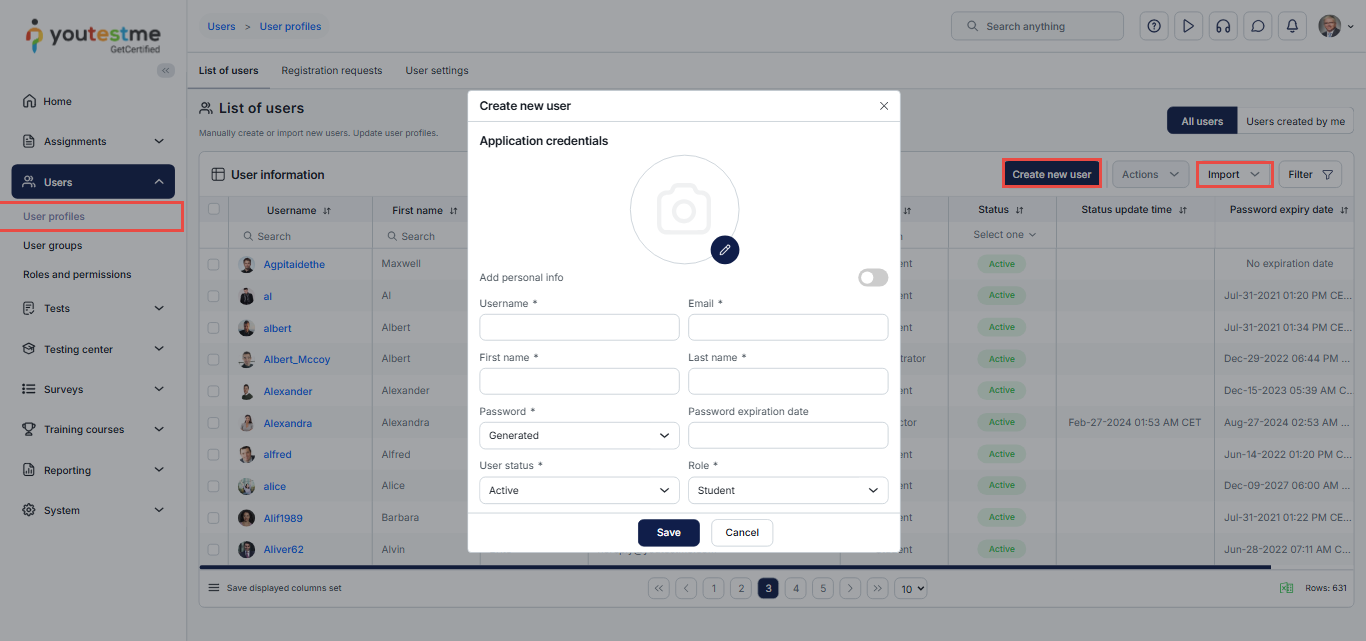
For detailed information, please visit these articles
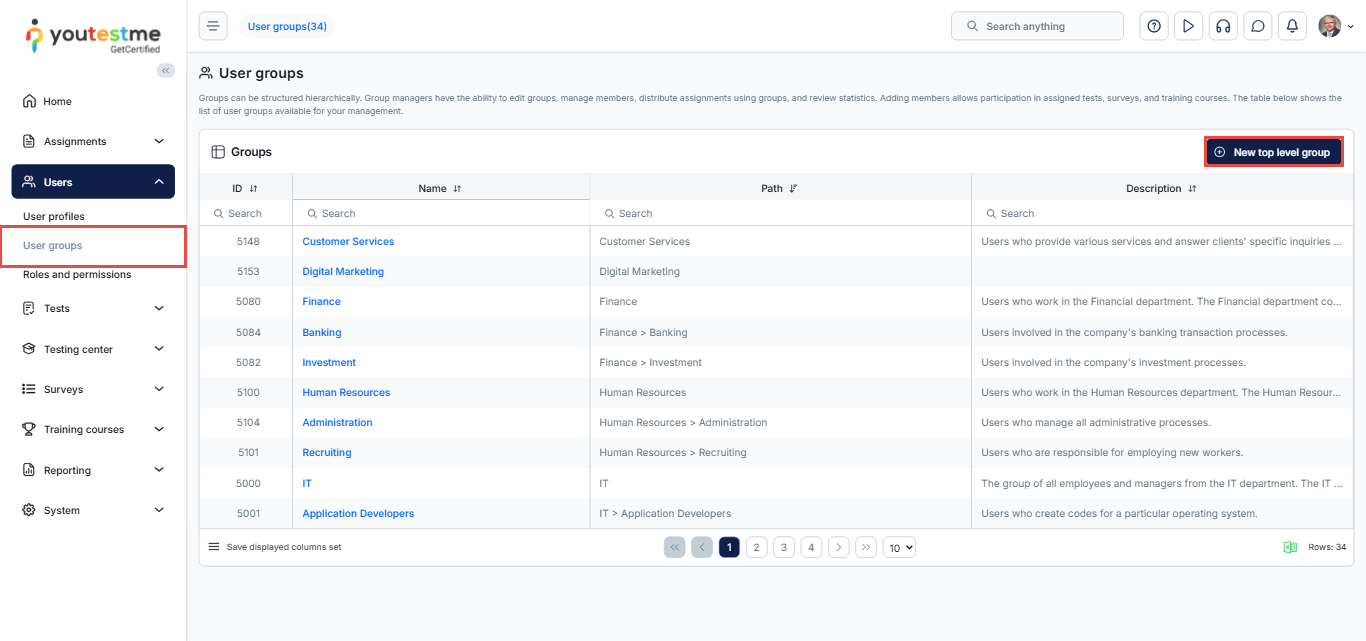
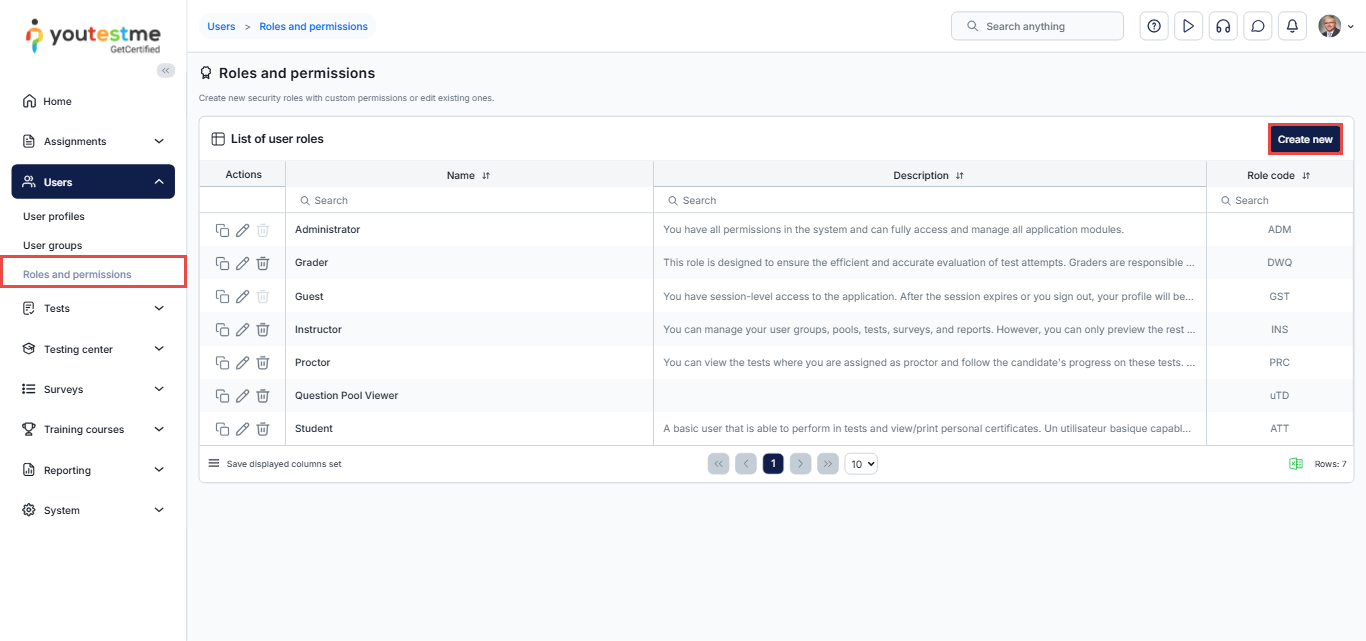
In addition, administrators have full control over candidates and instructors, including:
- Assigning system roles
- Defining custom permissions
- Controlling access rights
- Managing registration rules (example: open self-registration or approval-based registration)
Please visit this article: How to Assign Default User Roles and Create New Custom Roles
This centralized control ensures that every user receives the correct level of access and visibility within the system.
System Configuration & Platform Customization
Administrators are responsible for configuring how the system behaves, looks, and communicates. They can enable or disable optional modules, adjust system-wide settings, and manage all platform integrations.
System Settings
- Enable or disable modules (e-commerce, proctoring configuration, etc.)
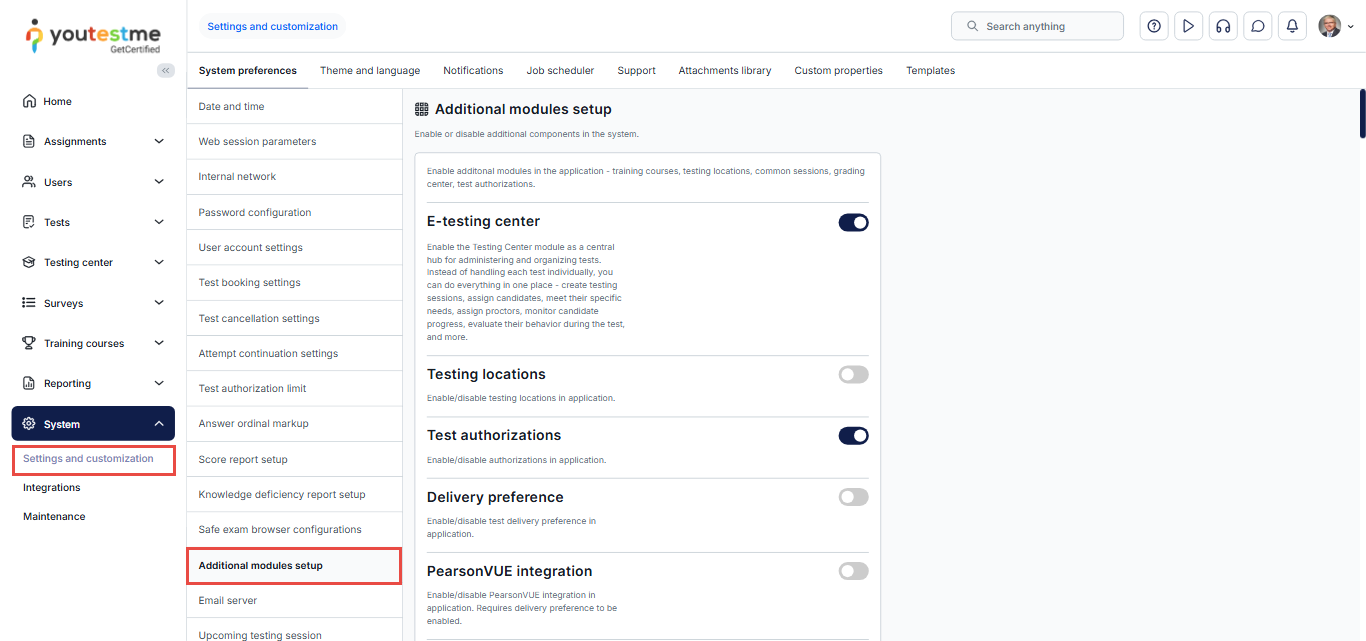
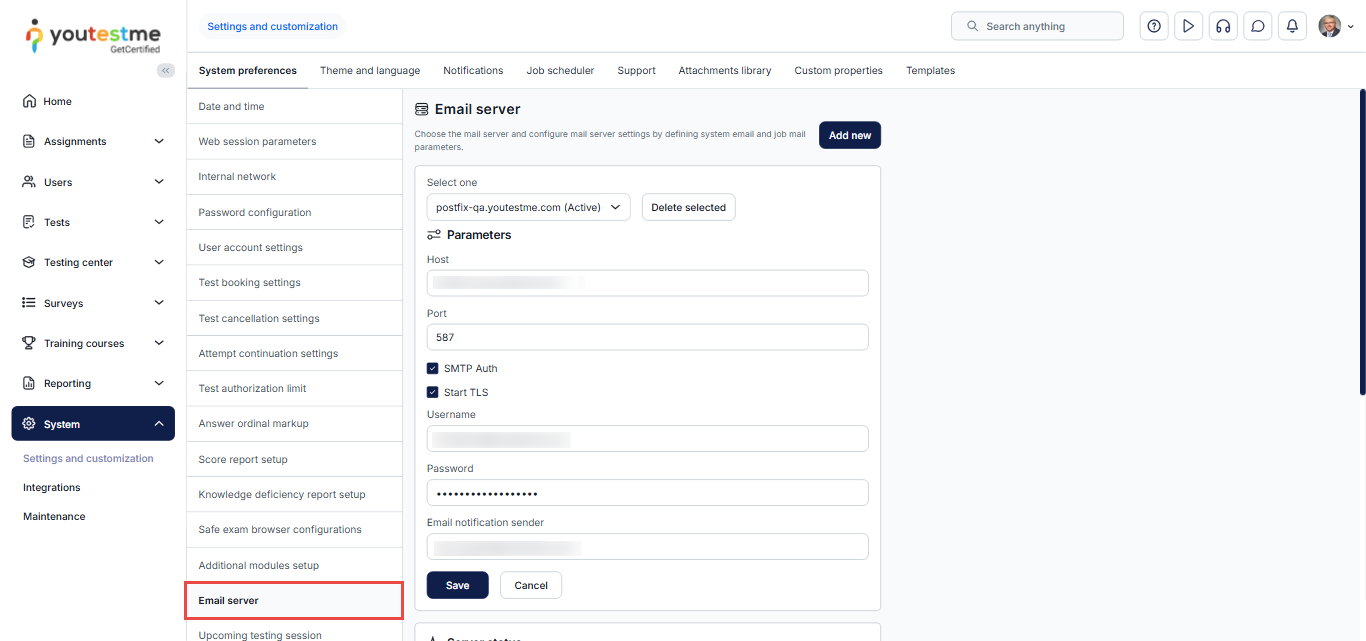
- Configure the mail server
How to Configure Mail Server Settings
Customization and Branding
Administrators can fully customize the interface to match organizational identity:
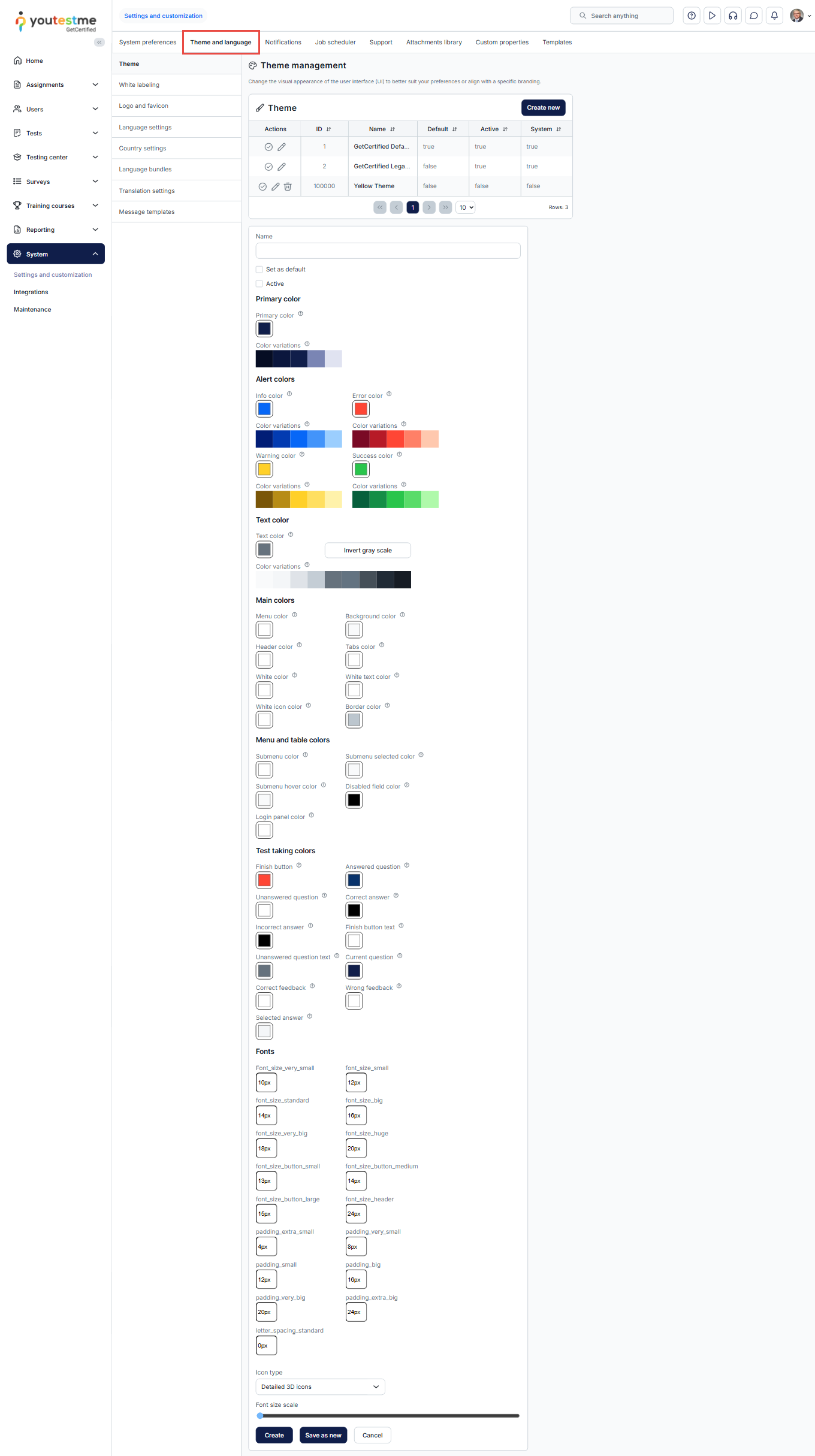
- Change the theme, logo, and favicon
How to Change Application Theme and Branding - Modify interface text, such as messages and button labels
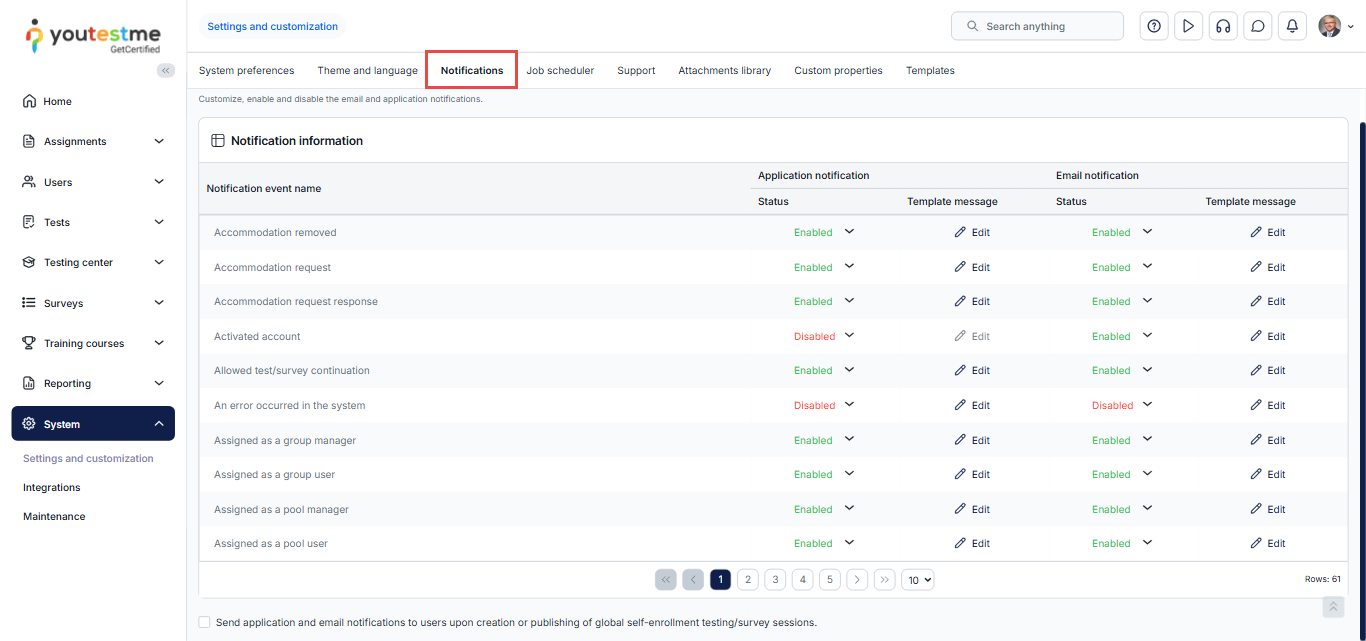
- Customize email notifications
How to Configure Email and Application Notifications
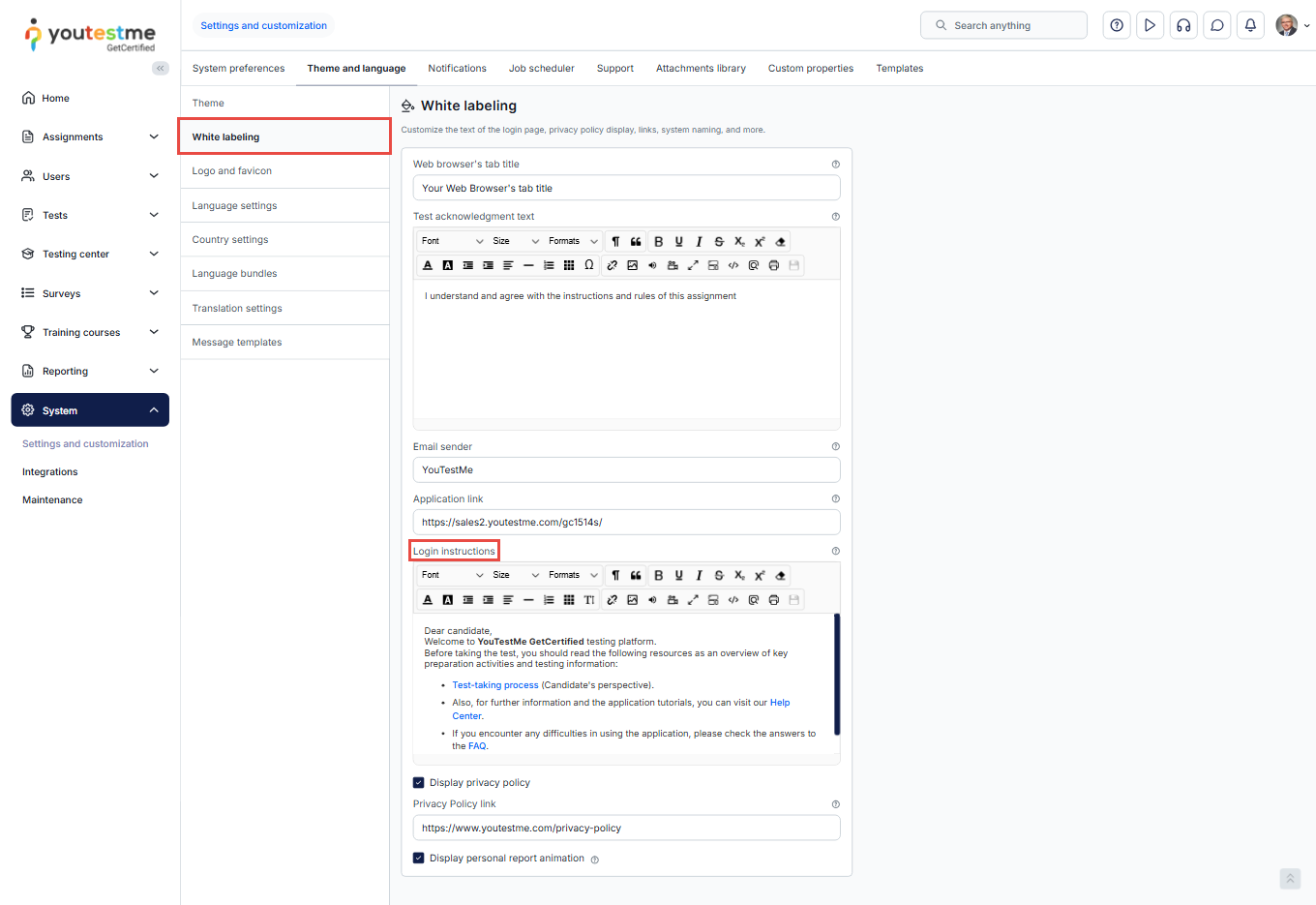
- Personalize the login screen for announcements and instructions
How to White-Label the Application
Test & Content Management
Administrators can control every part of the test organization process, from question creation to full test setup.
Creating and Managing Test Items
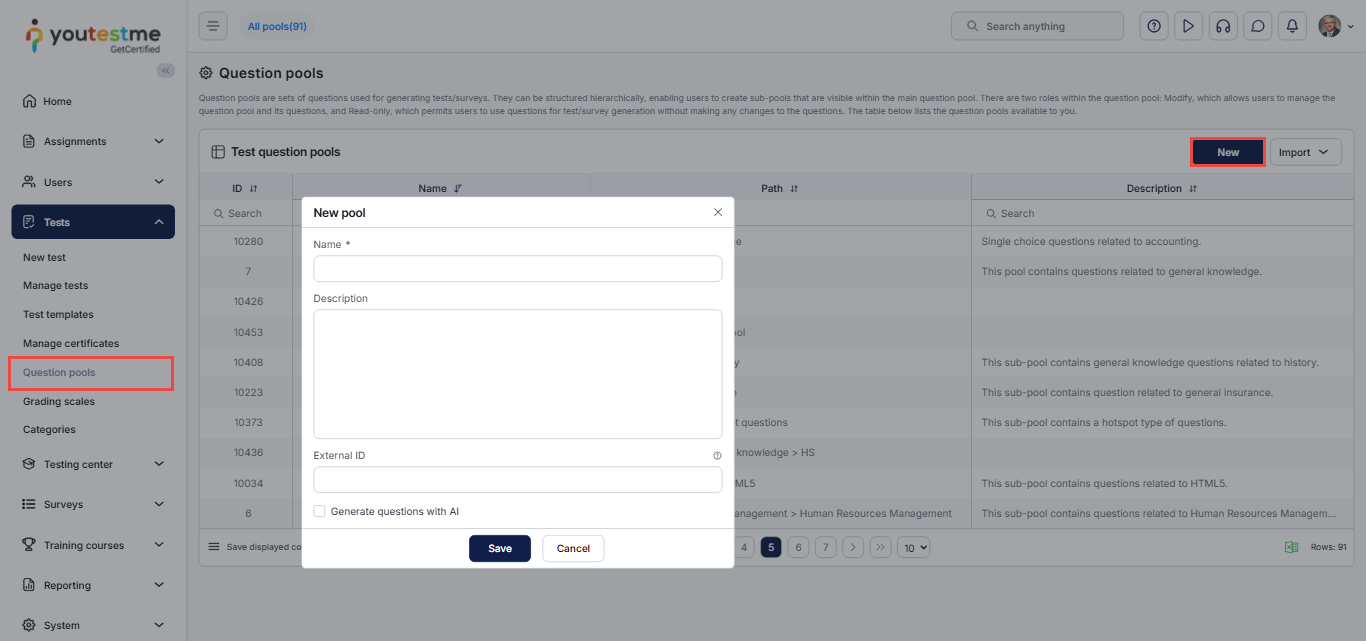
Creating and Managing Tests
- Create tests
- Adjust test settings and delivery rules
How to Create a Simple Test
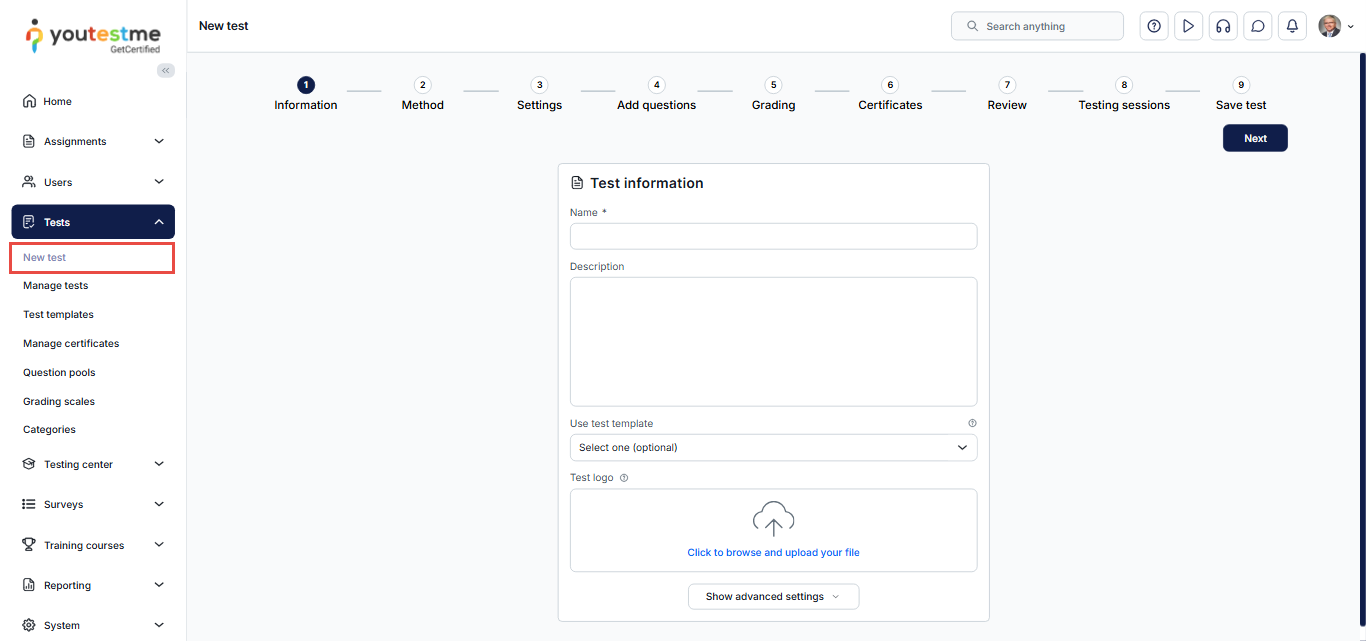
Defining Testing Periods
Administrators can define when a test becomes available by creating and configuring testing sessions.
How to Create a Testing Session
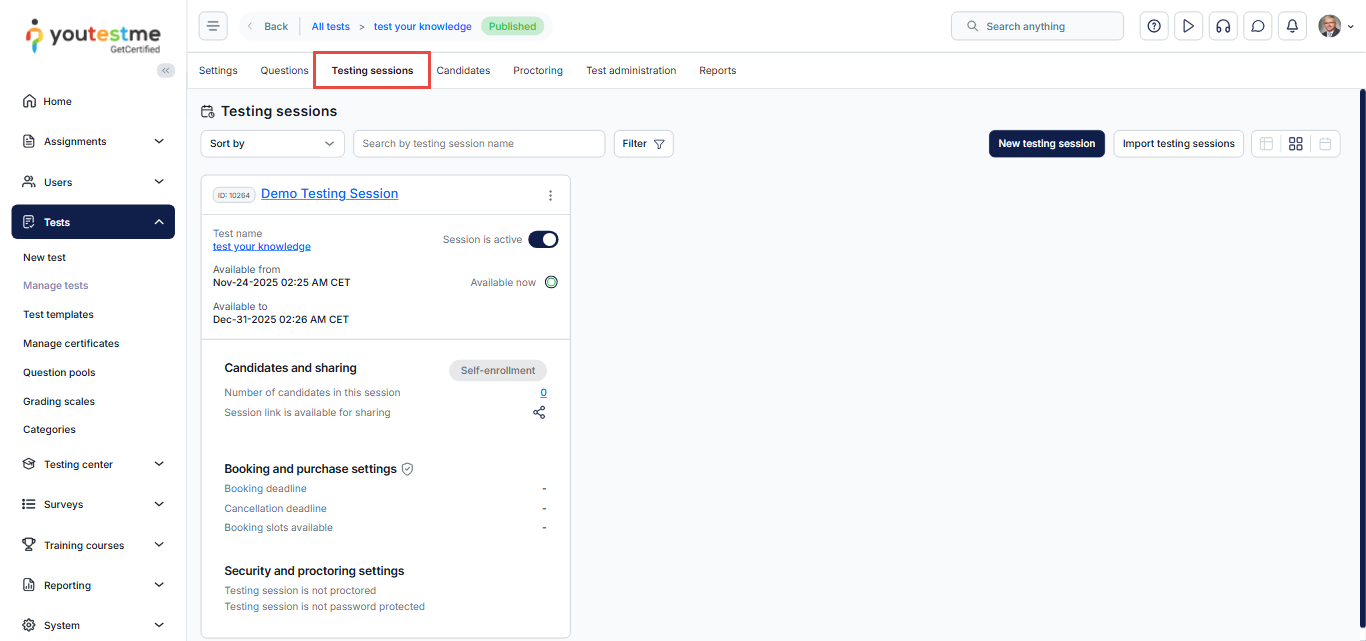
Enabling Proctoring and Defining Rules
Administrators can configure proctoring behavior, including:
- Displaying a warning in case of continuous violations
- Setting a violation warning timeout
- Terminating the test attempt in case of repeated violations, and more
How to configure Proctored exam violation settings
This ensures full control over exam integrity and delivery.

Reporting, Results & Proctoring Review
Administrators have access to the complete reporting suite, allowing them to analyze performance and ensure examination quality.
Exporting Individual and Aggregate Results
Administrators can access all system-generated reports related to tests, candidates, and questions. They can review individual attempt results, aggregated test statistics, and question-level insights, etc.

Accessing Detailed Reports and Analytics
Administrators have unrestricted access to all reporting and analytics tools in the system. They can view predefined reports, test performance indicators, item-level statistics, detailed candidate insights, and performance charts.
They can also create custom analytical reports using the Report Builder, which lets them filter data, group results, adjust column formatting, and export reports for further analysis.
How to Create Custom Reports Using Report Builder

Manually Grading Candidate Attempts
Administrators (and assigned graders) can manually review and evaluate candidate attempts when needed. They are able to:
- Review written or open-ended answers
- Leave comments for candidates
- Apply ratings or grades
Manual grading is especially important for essay-type questions,
How to Manually Grade a Test Attempt
How to Add Question Feedback When Grading a Test
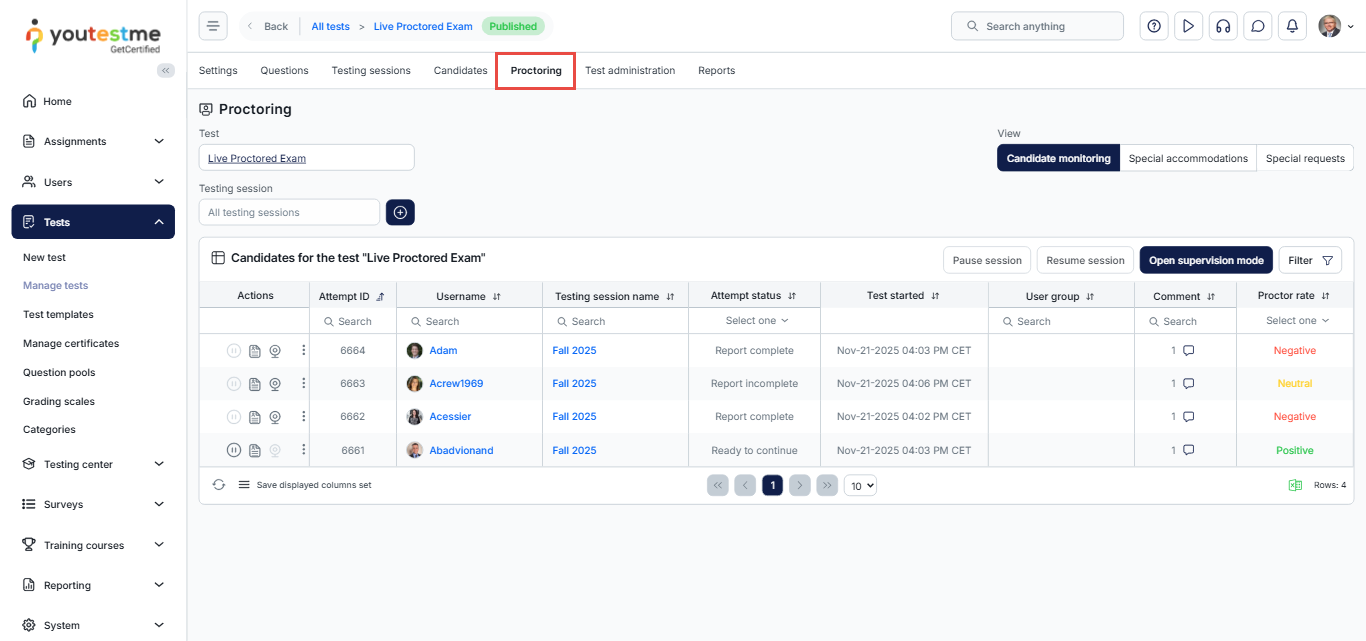
Streaming and Reviewing Proctored Videos
Administrators can access:
- Proctored session recordings
- Live-streamed camera footage
- Proctor notes and flags
Data Privacy & Security
Administrators have a critical responsibility to protect sensitive data and maintain overall system security.
Using the system’s role-based permission model, they can ensure controlled access to:
- Tests; Results; Proctoring data; User management features
Security configuration capabilities include:
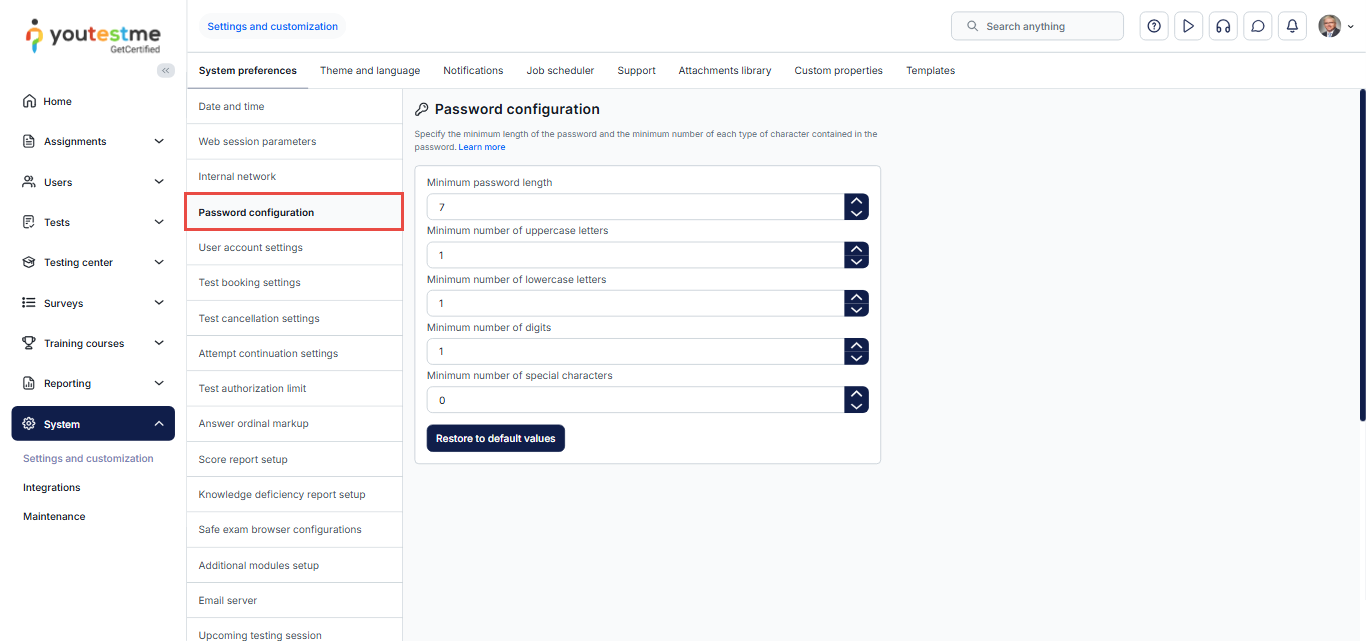
- Modifying password strength requirements
How to Set Up Password Configuration
- Assigning test managers to specific tests only
These features ensure consistent, secure access control while maintaining compliance with organizational policies.
System Integration & Automation
Administrators can automate communication between the system and external tools.
Scheduled Data Exchange
- Export reports automatically
- Deliver files to an external SFTP location
- Reduce manual handling and improve workflow automation
How to Create and Schedule Jobs for Automated Import /Export

Conclusion
Administrators hold full, unrestricted access to the entire system, allowing them to manage users, configure system behavior, create and deliver tests, enforce security, and analyze results. Their centralized control ensures that the platform remains organized, secure, and fully aligned with organizational needs. With comprehensive permissions and the ability to delegate restricted access to managers, administrators maintain both flexibility and high levels of data protection.






